crispy

Split tunneling is a VPN feature that lets some traffic use the encrypted VPN tunnel while other traffic connects directly to the internet or your local network. In practice, it means you can choose which apps or websites go through the VPN and which ones do not.
That choice is useful when a VPN gets in the way of everyday tasks, such as banking apps, local printers, home streaming, or online games. It also creates a tradeoff: anything you exclude from the VPN no longer gets the VPN's IP address or tunnel protection, so split tunneling should be used deliberately.
What is a VPN split tunneling feature?
A VPN normally works as an all-or-nothing connection. Once it is on, your device sends internet traffic through the VPN tunnel, and websites see the VPN server's IP address rather than your regular network address. If you are new to the basics, start with what a VPN is before deciding whether split tunneling belongs in your setup.
Split tunneling changes that default. It lets you create exceptions. Your browser might use the VPN while your banking app connects directly. Or your phone might route most apps through the VPN while allowing one streaming app to use your home connection.
The key point is control. Split tunneling does not make the VPN stronger. It makes the VPN more selective. That can improve convenience and speed in specific cases, but it also means some traffic is outside the tunnel by design.
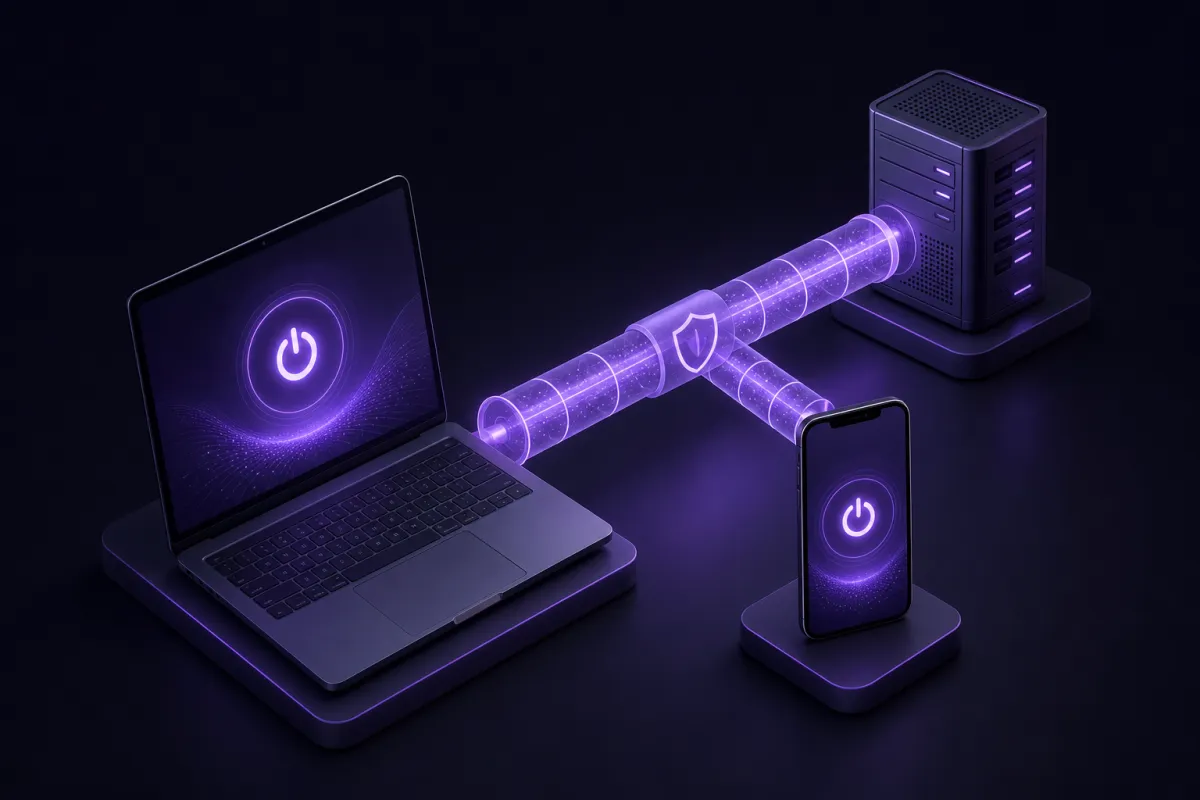
Think of it as two lanes. One lane goes through the VPN, using the VPN server's IP address. The other lane goes out through your normal internet connection, using your usual network path. The feature is valuable when you know which traffic belongs in each lane.
How a split tunneling VPN route works
When split tunneling is enabled, the VPN app or extension applies a routing rule before traffic leaves your device. The rule can be based on an app, a website domain, or in some systems, an IP range. For consumer VPN apps, the two common approaches are per-app and per-domain rules.
Full tunnel vs split tunnel
In a full tunnel, nearly all internet traffic goes through the VPN while the VPN is connected. This is the simplest model. It is easier to understand, and it reduces the chance that an app accidentally uses your regular IP address.
In a split tunnel, selected traffic bypasses the VPN. That bypassed traffic may still be protected by HTTPS if the website or app uses it, but it is not protected by the VPN tunnel. Your internet provider, workplace network, school network, or public Wi-Fi operator may still see that a direct connection is being made, depending on the app and site.
What changes on websites and apps
For traffic inside the VPN tunnel, websites generally see the VPN server location. For traffic outside the tunnel, websites see your normal connection. If you check your IP address in a browser that is routed through the VPN, you should see the VPN IP. If that browser is excluded, you should see your usual IP. You can verify this with a simple IP check such as What is my IP.
Split tunneling also affects performance. A VPN can add extra distance and processing, especially if the server is far away. If only sensitive or location-specific apps use the VPN, while low-risk apps connect directly, your device may feel more responsive. For a broader explanation, see our guide to whether a VPN slows down internet.
Why use VPN split tunneling?
The main reason to use VPN split tunneling is simple: some services work better outside a VPN, while others benefit from the VPN. Instead of turning the VPN on and off all day, you make a rule once and let the device handle it.
Banking and payment apps
Banking apps may treat a sudden change in IP address or location as unusual. That can trigger extra checks or failed sign-ins. If you trust your current network, you may prefer to exclude the banking app from the VPN while keeping browsers, messaging apps, or other traffic inside the tunnel.
This is not about weakening security. It is about avoiding false alarms from services that expect your normal connection. You should still use strong passwords, two-factor authentication where available, and the bank's own security features.
Local printers, scanners, and smart home devices
Some local devices expect your phone or laptop to be on the same local network. A full VPN tunnel can sometimes interfere with discovery or printing. Split tunneling can let the relevant app talk to the local printer or scanner without disconnecting the VPN for everything else.
Streaming at home speed
If you are at home and watching a service that already works on your regular connection, you may not want that streaming traffic to take a longer route through a VPN server. Excluding a streaming app or website can help it use your normal home speed while your other browsing stays on the VPN. For VPN-specific viewing tips, read our guide to VPNs for streaming.
Games and voice chat
Games are sensitive to latency. Even a small change in routing can affect ping, matchmaking, or voice chat quality. Some players use split tunneling so the game connects directly while a browser, chat app, or download tool stays behind the VPN. If gaming is your main concern, see our dedicated VPN for gaming guide.
Per-app vs per-domain split tunneling
Split tunneling is not one single design. The setup experience depends on whether the VPN controls whole apps or specific website domains.
Per-app split tunneling
Per-app split tunneling lets you choose entire apps. For example, you might route your browser and messaging app through the VPN, but exclude a banking app or game. This is easy to understand because the rule matches how most people use their devices.
The limitation is that an app can contact many services in the background. If you exclude the app, all of that app's traffic bypasses the VPN. That may be fine for a game or bank app, but it is worth remembering.
Per-domain split tunneling
Per-domain split tunneling works by website or domain. Instead of excluding an entire browser, you can exclude a particular site. This is more precise for web traffic, especially when you want most browsing to use the VPN but need a few sites to connect directly.
The limitation is that websites often rely on multiple domains for login, images, payments, video, analytics, or support tools. If you exclude only the main domain and the site still behaves oddly, it may be because another related domain is still going through the VPN.
Which type is better?
Neither type is universally better. Per-app rules are simpler. Per-domain rules are more precise for browsing. The right choice depends on what problem you are solving: an app that dislikes VPNs, a website that needs your normal connection, or a local device that needs network access.
Risks and limits to understand first
Split tunneling is useful, but it is easy to overestimate what remains protected. Traffic that bypasses the VPN does not use the VPN server's IP address and does not travel inside the VPN tunnel. If privacy is the reason you turned on the VPN, do not exclude apps casually.
Your VPN also does not make you anonymous. If you sign in to a website, that site can still associate your activity with your account. A VPN also does not stop malware or phishing on its own. It protects the connection path, not every risk on the internet.
There is also a consistency problem. If one browser goes through the VPN and another does not, you may forget which one is which. If one app is excluded today for convenience, it might still be excluded next month when you are on hotel Wi-Fi or a shared network. Review your rules occasionally.
Split tunneling is usually safest when the exception is narrow and intentional. Excluding one banking app is easier to reason about than excluding your entire browser. Excluding one domain is easier to audit than excluding a long list of unrelated sites.
Finally, remember that split tunneling does not replace a kill switch. A kill switch is designed to reduce leaks if the VPN disconnects. Split tunneling is different: it allows selected traffic outside the VPN on purpose.
A practical checklist for split tunneling rules
Before you add an exception, decide what you are trying to fix. If the VPN is working fine, you may not need split tunneling at all. If something is slow, blocked by its own fraud checks, or unable to find a local device, then an exception may help.
- Identify the exact problem. Is it one app, one website, a printer, a game, or video playback?
- Start with the narrowest rule. Prefer one app or one domain rather than a broad category.
- Check what data the app handles. If it contains sensitive messages, work files, or private browsing, think carefully before excluding it.
- Test on your current network. Confirm the app or website works better with the exception enabled.
- Verify your IP where it matters. Use an IP check in the browser or app path you care about.
- Review rules after travel or network changes. An exception that is fine at home may not be right on public Wi-Fi.
A good rule of thumb is to keep default protection broad and exceptions small. The more complex your split tunneling setup becomes, the harder it is to know what is protected at a glance.
How Crispy VPN supports split tunneling
Crispy VPN supports split tunneling where it can be clear and useful. On Android, split tunneling is per app, so you can choose which apps use or bypass the VPN. On iPhone and iPad, it works by website domain, with up to 20 domains. The Chrome, Edge, and Firefox browser extensions also support split tunneling by domain.
Split tunneling is not available in the Crispy VPN apps for Mac, Windows, Linux, Apple TV, or Android TV. That is important to say plainly because split tunneling features vary a lot between VPN apps and operating systems.
If you mainly want split tunneling on a phone, the Android per-app model is a good fit for banking apps, games, and streaming apps. If your main need is browser-based, domain rules on iPhone, iPad, or the browser extensions give you more precise control over specific websites.
You can install Crispy VPN from the download page. One account works across supported apps and extensions, so you can use the setup that fits each device rather than forcing the same split tunneling style everywhere.