crispy
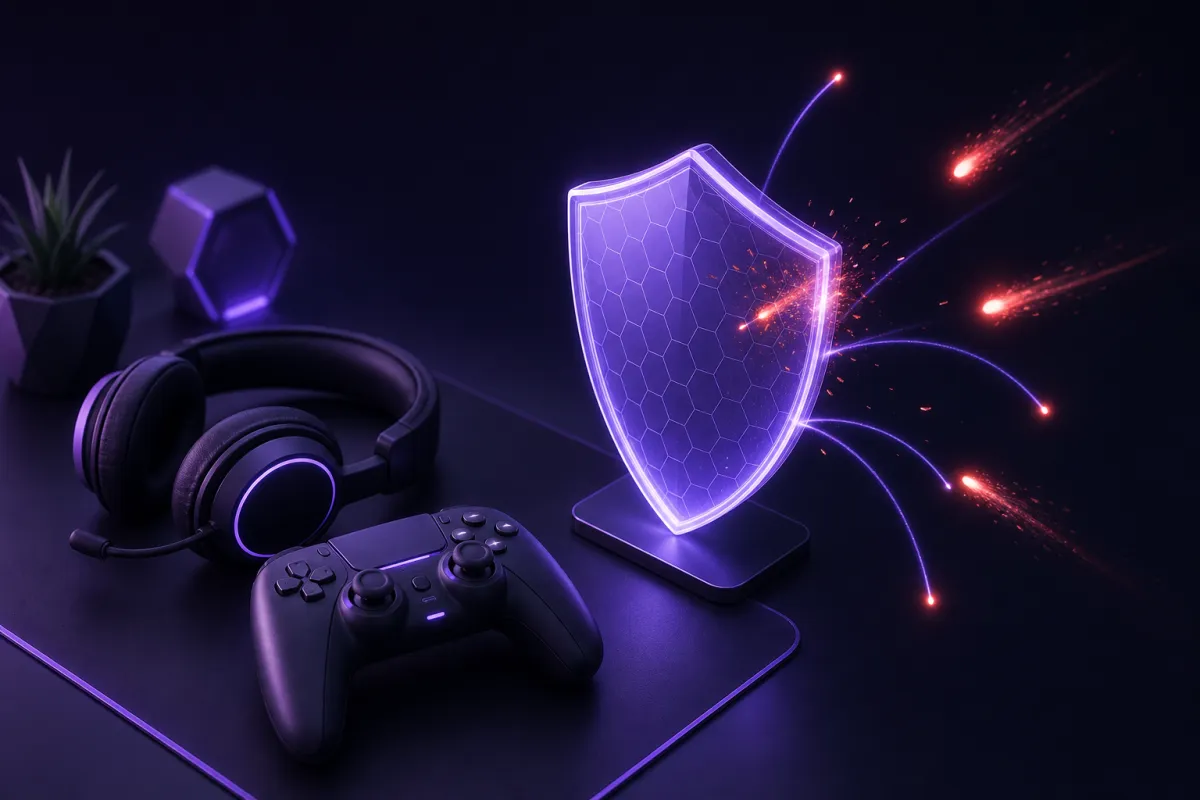
A VPN for gaming can help protect your home IP address from other players, keep games working on some restricted networks, and reduce the impact of certain ISP throttling. It usually will not lower ping, because routing traffic through an extra server normally adds distance and processing.
The useful question is not whether every player needs a VPN. It is whether your specific problem is one a VPN can realistically solve. This guide explains where a gaming VPN helps, where it does not, how to choose a nearby server, and how to use one without creating new lag or account problems.
What a VPN for gaming actually changes
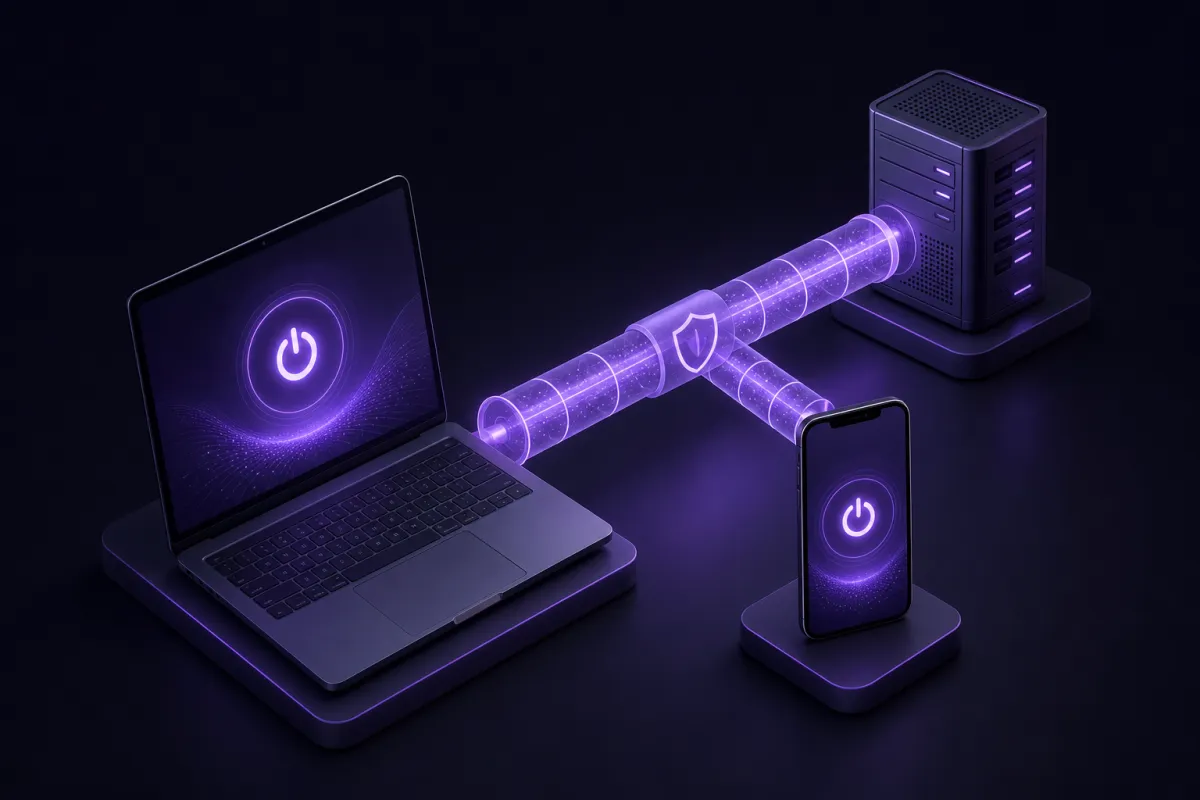
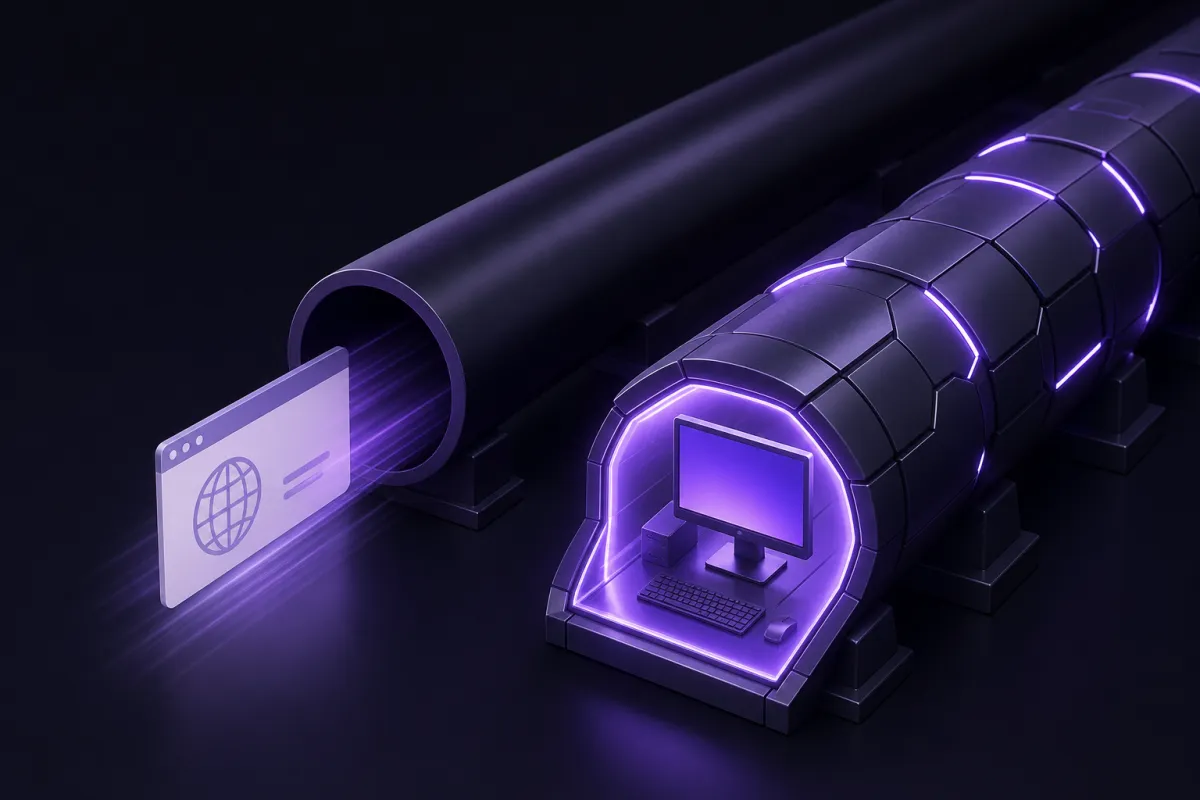
A VPN changes the route your traffic takes between your device and the internet. Instead of your game traffic leaving your device directly through your internet provider, it first goes through an encrypted tunnel to a VPN server. From there, it continues to the game server.
If you want a simple refresher, see what a VPN is. For gaming, the practical effect is that the game server and other online services see the VPN server IP address rather than your home IP address.
That can be useful, but it is not magic. A VPN cannot make a faraway game server physically closer. It cannot fix bad Wi-Fi, an overloaded home network, weak hardware, or a game server that is struggling. It also does not make you anonymous to a game you are logged into, and it does not stop malware, phishing, or account theft on its own.
For most players, the best reason to use a VPN is control. You can decide when to hide your home IP, when to use a cleaner route, and when to turn the VPN off because direct routing is faster.
How does VPN help in gaming?
The phrase how does VPN help in gaming usually comes down to three real situations: privacy from other players, restricted networks, and throttling. Each one has limits.
Hiding your home IP from other players
In some games, voice tools, peer connections, or community services can expose IP information more than players expect. If another player gets your home IP address, they may try to disrupt your connection with traffic floods or use it to identify your approximate area.
A VPN puts its server IP between you and the wider internet. That means other players are less likely to see your home IP address during normal use. This can reduce the risk from nuisance attacks such as small DDoS attempts aimed at your home connection. It can also reduce exposure if you play competitively, stream casually, or join communities where arguments sometimes spill outside the match.
It is important to be precise. A VPN does not make swatting impossible, and it does not erase personal information you have already shared elsewhere. It simply helps prevent your home IP from being the easy target.
Playing on networks that block games
Some school, hotel, office, apartment, and public Wi-Fi networks block game launchers, matchmaking, voice chat, or game update servers. A VPN may allow the connection to work by sending traffic through an encrypted tunnel rather than letting the local network inspect and block every destination.
You should still respect the rules of the network you are using. If a workplace, school, or venue has policies about gaming, a VPN is not a permission slip to ignore them. It is a technical tool, not a way around responsibilities.
Avoiding some forms of throttling
Some internet providers or network operators may slow certain traffic types during busy periods. If throttling is based on identifying game traffic or related services, a VPN can sometimes help because the provider sees an encrypted VPN connection rather than the game itself.
If your connection is slow because your line is congested, your Wi-Fi signal is weak, or the game server is under load, a VPN will not fix that. For a deeper look at the tradeoff, read does a VPN slow down internet.
Does a VPN reduce ping?
Does a VPN reduce ping is the most common gaming question, and the honest answer is: usually no. Ping measures round-trip delay between your device and a server. A VPN adds another stop on that trip, so the normal result is equal or higher latency.
Distance matters. If you are in London and connect to a VPN server in Tokyo before playing on a European game server, your traffic has to travel much farther than necessary. Even with a fast protocol, the extra distance adds latency.
There are exceptions. A VPN can sometimes improve ping if your internet provider uses a poor route to the game server and the VPN provider happens to use a better one. This is route optimization by chance, not a guaranteed feature. You should test it game by game.
What affects gaming latency most
- Distance to the game server: closer is usually better.
- Wi-Fi quality: interference and weak signal can add spikes and packet loss.
- Home network congestion: downloads, cloud backups, and streaming can compete with your game.
- VPN server choice: a nearby, uncongested server is better than a faraway one.
- Game server load: if the server is overloaded, your VPN cannot repair it.
Crispy VPN uses WireGuard on every server. WireGuard is a modern protocol with a small code base, and it is designed to be fast and battery friendly. That helps keep overhead low, but it still cannot remove the basic physics of distance. If you want more background, see what WireGuard is.
How to choose the best VPN for gaming
The best VPN for gaming is not the one with the loudest speed claim. It is the one that gives you stable routing, nearby locations, reliable apps for your gaming devices, and clear privacy rules.
Start with server location. You usually want the VPN server close to you, close to the game server, or somewhere between the two. If you play mostly on European servers, a nearby European VPN location is a sensible first test. If you play on US East servers, a New Jersey or Miami location may be more practical than routing through another continent.
Crispy VPN has 12 server locations, including options in Europe, North America, and Asia Pacific. That is enough to test sensible nearby routes without pretending that a huge location list automatically improves gaming.
Gaming VPN checklist
- Pick the nearest VPN location first. This is the simplest way to minimize added latency.
- Test with the actual game you play. Browser speed tests do not always match game performance.
- Compare VPN on and off. Check ping, packet loss, and stability in both modes.
- Use a wired connection when possible. Ethernet often reduces spikes compared with Wi-Fi.
- Close heavy background traffic. Game updates, video uploads, and cloud sync can ruin latency.
- Keep the kill switch in mind. If you enable it, losing the VPN connection may pause internet access to prevent traffic from falling back outside the tunnel.
Price matters too, especially if you only need a VPN for occasional play on restricted networks. Crispy VPN is a paid service at $5.99 per month or $35.88 per year, which works out to $2.99 per month, with a 30-day money-back guarantee on every plan. One subscription covers up to 10 devices.
Gaming VPN setup on PC, mobile, and consoles
Setup depends heavily on the device. PCs and phones can usually run a VPN app directly. Game consoles are different.
Windows, Mac, and Linux
For PC gaming, install the VPN app on the same computer you use to play. Crispy VPN has apps for Windows, Mac, and Linux, and downloads are available from /download. On Windows, Mac, and Linux, the kill switch is opt-in, so turn it on only if you want internet access to stop when the VPN disconnects.
If you mainly play on Windows, you may also find the dedicated VPN for Windows guide useful. The main gaming advice remains the same: choose a nearby VPN server, test the game, and turn the VPN off if the direct route is better.
iPhone, iPad, and Android
Mobile games can benefit from the same home IP protection and network flexibility, especially on public Wi-Fi. Crispy VPN has apps for iPhone, iPad, and Android. On iPhone and iPad, the kill switch is available and off by default. On Android, the equivalent protection uses the system Always-on VPN and Block connections without VPN settings.
Split tunneling can also matter on mobile. Crispy VPN supports split tunneling on Android per app, and on iPhone and iPad by website, up to 20. For gaming, Android per-app split tunneling can be useful if you want one game to use the VPN while other apps connect normally.
Consoles
Consoles such as PlayStation, Xbox, and Nintendo Switch cannot run standard VPN apps directly. That means you cannot simply install a VPN app on the console the way you would on a PC or phone.
Crispy VPN does not offer router setups or WireGuard configuration files, so this guide will not suggest a router workaround. If you play mostly on console, be realistic: a VPN is most useful for your PC, phone, tablet, streaming device, or browser, not as a direct console app.
Crispy VPN does have apps for Apple TV and Android TV / Google TV, where sign-in works by scanning a QR code with your phone. Those TV apps are useful for TV-based use, but they are not a substitute for a console VPN app, and they do not include a kill switch.
Fair play, terms of service, and account safety
A VPN should be used to improve privacy and connection control, not to cheat systems or dodge consequences. Game publishers and platforms may have rules about VPN use, account sharing, regional pricing, matchmaking, or attempts to evade bans. Read and respect the terms for the games and services you use.
This matters because account systems can notice unusual sign-in locations, rapid location changes, or payment region mismatches. Even if your intent is harmless, behavior that looks suspicious can trigger extra verification or temporary account friction.
A good rule is to keep your VPN location consistent with how you normally play. Do not jump between distant regions to manipulate matchmaking, pricing, events, or restrictions. If a game blocks VPN traffic, do not treat that as a puzzle to defeat. Choose a direct connection or contact the service if you believe the block is a mistake.
Also remember that a VPN does not protect you from everything. If you log into a game account, that service still knows it is your account. If you click a phishing link in chat, a VPN will not make the page safe. Use strong unique passwords, enable multi-factor authentication where available, and be careful with files, mods, and links shared by strangers.
If you are unsure about the general legal picture, read is a VPN legal. The short version for gaming is simple: using a VPN is commonly legal in many places, but legality is not the same as permission under every game or network policy.
Troubleshooting a gaming VPN connection
If your game feels worse with the VPN on, do not assume the VPN is broken. Gaming is sensitive to latency, jitter, packet loss, NAT behavior, background traffic, and server load. Work through the problem in a controlled way.
Quick troubleshooting steps
- Check the game without the VPN. If the game is already lagging, fix the base connection first.
- Switch to the nearest VPN server. Avoid routing through another region unless you have a specific reason.
- Restart the game after changing VPN locations. Some games keep old sessions or routes until restarted.
- Use Ethernet if available. If Ethernet fixes the spikes, Wi-Fi was the likely issue.
- Pause large downloads and uploads. This includes game updates, cloud backup, video calls, and streaming uploads.
- Check whether the game itself is having server issues. A VPN cannot repair a failing game server.
- Test another nearby VPN location. Sometimes one route is cleaner than another even at similar distance.
- Turn the VPN off if direct routing wins. The best setup is the one that performs best for that game at that time.
You can also check whether your visible IP has changed with what is my IP. That confirms the VPN route is active, although it does not prove that a particular game will have lower latency.
The right mindset is practical, not ideological. Use a VPN when it solves a real problem: hiding your home IP, getting a game working on a restricted network you are allowed to use, or testing whether throttling is affecting you. Turn it off when the direct path is faster and safer for your account.