crispy

A proxy usually changes the route for one app or browser, while a VPN encrypts traffic from your whole device through a secure tunnel. If you are choosing VPN vs proxy, the right answer depends on whether you need quick browser routing or device-wide privacy protection.
Both tools can make websites see a different IP address. The big differences are encryption, app coverage, reliability, and who you are trusting with your traffic.
What is a proxy vs VPN?
A proxy is an intermediary server. Your app, browser, or website request goes to the proxy first, then the proxy fetches the page or service for you. To the destination site, the request appears to come from the proxy server rather than your original IP address.
That simple idea covers several different tools. A browser proxy may only affect one browser. An app-level proxy may only work inside a single app. A web proxy is a website where you paste a URL and view the page through that site. Some proxies support encryption between you and the proxy, while many basic proxies do not protect traffic beyond what the website itself provides through HTTPS.
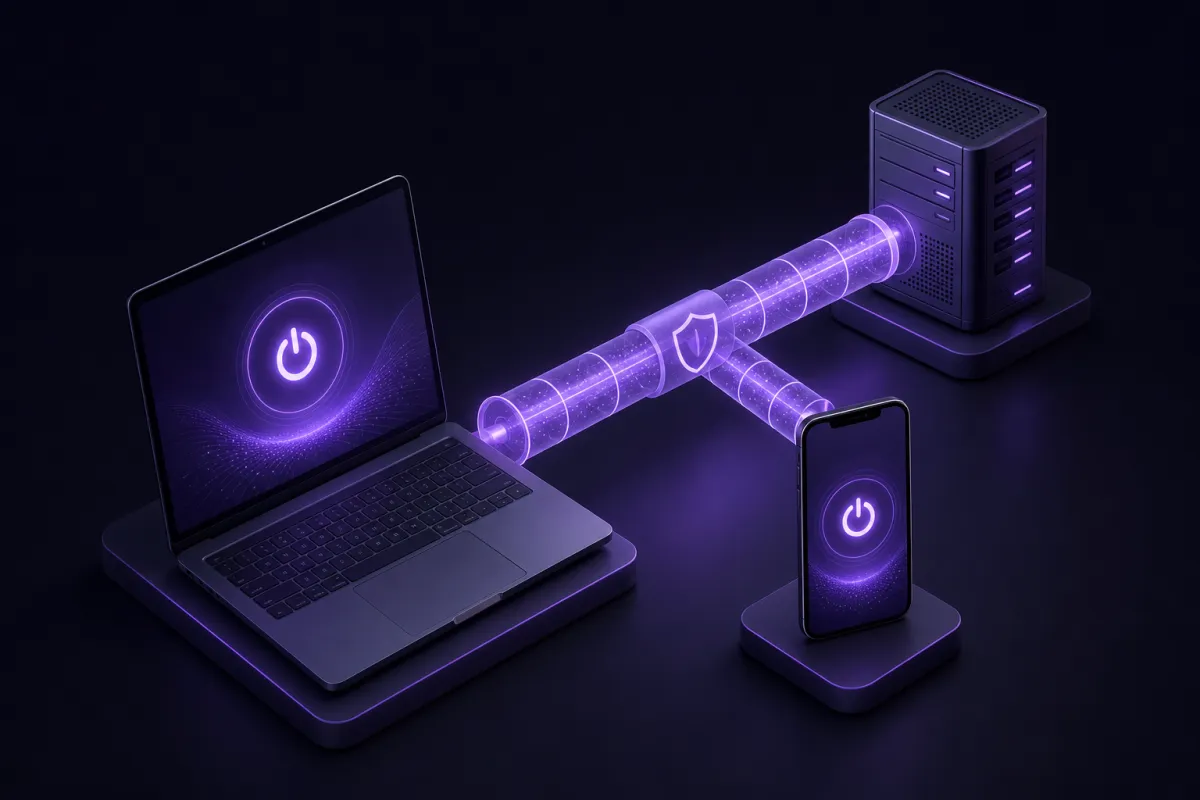
A VPN, short for virtual private network, creates an encrypted tunnel between your device and a VPN server. Once connected, your device sends network traffic through that tunnel, and websites or services see the VPN server IP address instead of your home, office, mobile, or hotel network IP address. If you want a deeper technical primer, read what a VPN is.
The practical difference is scope. A proxy is often narrow. A VPN is usually device-wide. When people compare a proxy to a VPN, they are often comparing a single-browser shortcut with a full-device privacy tool.
Is a proxy a VPN?
No, a proxy is not a VPN. They can look similar because both can route traffic through another server and change the IP address a website sees. But they are built for different levels of protection.
A typical proxy does not create a full encrypted tunnel for your device. It may only work in one browser or one app, and other apps can continue using your normal connection. That means your email client, game launcher, cloud backup app, software updater, or messaging app may not be covered at all.
A VPN app is designed to handle the device’s network traffic through a secure tunnel. With Crispy VPN apps, that tunnel uses WireGuard on every server. WireGuard is a modern VPN protocol with a small code base, good performance, and battery-friendly behavior on mobile devices. You can learn more in our guide to WireGuard.
There is one important overlap: browser extensions. Crispy VPN browser extensions for Chrome, Edge, and Firefox work as an encrypted HTTPS proxy for that browser. That is useful when you only want browser traffic to use the protected route. Crispy VPN apps for iPhone, iPad, Mac, Windows, Linux, Android, Apple TV, and Android TV / Google TV are the full VPN option for the device.
Web proxy vs VPN: the practical comparison
A web proxy can be convenient. You open a proxy website, type a URL, and the proxy loads the page. There is usually nothing to install. That convenience is also the reason web proxies are often weaker than a VPN.
A web proxy generally works only inside the page it provides. It may break logins, videos, scripts, file uploads, or modern web apps. It also does not protect traffic from other browser tabs unless they are opened through that proxy page, and it does nothing for other apps on the device.
A VPN is less ad hoc. You install an app, sign in, choose a location, and connect. From there, covered traffic is sent through an encrypted VPN tunnel until you disconnect. Crispy VPN apps are available from the download page for major desktop, mobile, and TV platforms.
- Coverage: A web proxy usually covers one website session. A browser proxy covers one browser. A VPN app covers the device’s traffic, subject to normal app and operating system behavior.
- Encryption: A basic proxy may not encrypt the connection to the proxy. A VPN encrypts the tunnel between your device and the VPN server.
- Setup: A web proxy is quick to open. A VPN requires an app or system configuration, but is easier to keep consistent once installed.
- Apps protected: A web proxy does not protect separate apps. A VPN app can protect browser traffic and non-browser traffic on the device.
- Reliability: Free web proxies often break complex sites. VPN apps are better suited for everyday browsing, public Wi-Fi, messaging, email, and travel use.
- Privacy trust: With any proxy or VPN, you are trusting the operator. A no-activity-logs VPN with clear policies is a better fit for privacy than an unknown free proxy.
- Control: A proxy may be useful for one task. A VPN gives broader control, especially when paired with settings such as a kill switch where available.
Proxy or VPN: how to choose for common situations
The best choice depends on what you are trying to protect. If you only need a different route for one browser, a proxy can be enough. If you want to protect the device connection on public Wi-Fi or avoid exposing your network IP address across apps, use a VPN.
Use a proxy when the job is narrow
A browser proxy makes sense when you want only browser traffic to use a different route. For example, you might want your browser work session separated from other apps on the same device. In that case, installing a full VPN for every app may be more coverage than you need.
Crispy VPN browser extensions fit this narrow-use case. They are an encrypted HTTPS proxy for Chrome, Edge, and Firefox, so they protect traffic inside that browser extension context. They are not the same as running the full VPN app for the whole device.
Use a VPN when the connection matters
Choose a VPN when you are on hotel Wi-Fi, airport Wi-Fi, a shared office network, or any network you do not fully trust. A VPN encrypts traffic between your device and the VPN server, which helps prevent the local network from seeing the details of your browsing and app connections beyond the fact that you are using a VPN.
A VPN is also the better option when you want one setting to cover multiple apps. On a laptop, that may include your browser, email app, chat app, and background services. On a phone, it may include apps that never use your browser at all.
- List what you need covered. If it is one browser, a browser proxy may work. If it is multiple apps, pick a VPN app.
- Check whether encryption is required. For public or shared networks, prefer a VPN.
- Consider login risk. Do not enter sensitive accounts through random free web proxies.
- Think about leaks. If other apps must not use your normal connection, use a VPN with the right system settings.
- Test your connection. After connecting, check your visible IP address and confirm the route works as expected.
If you are new to setup, our guide on how to use a VPN walks through the basic process.
The risks of free web proxies
Free web proxies are tempting because they are instant. The problem is that instant access often comes with unclear ownership, aggressive ads, poor security, and little accountability.
A proxy operator can see requests that pass through its service unless those requests are protected by HTTPS in a way the proxy cannot interfere with. Even then, the proxy may still see metadata such as the sites you try to visit. If the proxy asks you to log in, upload files, install certificates, or run scripts, the risk rises quickly.
Common problems with free web proxies include:
- No clear privacy policy: You may not know who runs the service or what they keep.
- Weak or missing encryption: Some proxies do not secure the connection between you and the proxy itself.
- Injected ads or scripts: A web proxy can modify pages that pass through it, especially when pages are not properly protected.
- Broken security features: Logins, multi-factor prompts, downloads, and payment pages may behave unpredictably.
- Credential exposure: You should not type passwords, payment details, or private messages into an unknown proxy page.
- Unreliable performance: Free proxies are often slow, overloaded, or blocked by sites because many people share the same servers.
A paid VPN is not automatically perfect, but it has a clearer service relationship. Crispy VPN is a paid service with no free plan, and a subscription covers up to 10 devices. Plans are $5.99 per month or $35.88 per year, which works out to $2.99 per month, with a 30-day money-back guarantee on every plan. Cost matters here because a service with no obvious business model may be monetizing attention, data, ads, or something less visible.
For a broader look at the tradeoffs, see our comparison of free VPN vs paid VPN.
What a VPN does better than a proxy
A VPN’s main advantage is consistent encrypted coverage. Instead of configuring individual apps or relying on a proxy website, you connect once and send the device’s covered traffic through the VPN tunnel.
That matters most in three areas: public networks, app coverage, and connection control.
Public Wi-Fi protection
On shared Wi-Fi, the local network should not be treated as trusted. A VPN reduces what that local network can observe by encrypting the traffic between your device and the VPN server. It does not make unsafe websites safe, but it does protect the connection path from nearby snooping in a way a simple web proxy cannot.
Whole-device coverage
Many privacy problems are not browser-only problems. Apps check for updates, sync files, load images, send notifications, and connect in the background. A browser proxy does not cover that. A VPN app is designed for broader coverage across the device.
Safer failure behavior
Some VPN apps include a kill switch that can stop traffic if the VPN connection drops. Crispy VPN offers an opt-in kill switch on iPhone and iPad, Mac, Windows, Linux, and the browser extensions. On Windows, there is also an optional Lockdown mode. Android uses the system Always-on VPN and Block connections without VPN settings. TV apps do not have a kill switch, so that is not the right place to rely on failure blocking.
There are limits. A VPN does not make you anonymous. It does not stop malware or phishing by itself. It also does not stop a website from recognizing you when you log in, accept tracking cookies, or use the same account across sessions. A VPN protects the connection route and changes the IP address websites see, but it is not a complete privacy or security system.
When a proxy is enough
A proxy is enough when the task is limited, low-risk, and browser-specific. If you only want one browser to use a different route while the rest of the device stays on your normal connection, a browser proxy is often the cleaner tool.
Examples include separating a browser profile from desktop apps, checking how a website appears from another location, or using a work browser route without changing traffic for video calls, downloads, or other apps. In those cases, a full-device VPN may be unnecessary.
Browser-level controls can also be useful when you want split behavior. Crispy VPN browser extensions include website-based split tunneling, so you can choose which sites use the extension route and which do not. Crispy VPN iPhone and iPad apps also support website-based split tunneling up to 20 sites, while Android supports per-app split tunneling. Split tunneling is not available in the Mac, Windows, Linux, or TV apps.
Use a proxy only when you trust the provider and understand the scope. If you open a free web proxy and type in private accounts, you are giving that proxy a powerful position between you and the sites you visit. For anything sensitive, a reputable VPN app or a trusted encrypted browser extension is the safer baseline.
How to check whether your proxy or VPN is working
After you connect, verify the basics. Do not assume the setup is working just because an icon appears in your browser or menu bar.
- Check your visible IP address. Open an IP checker before and after connecting. You can use what is my IP to see the address websites can detect.
- Confirm the scope. If you are using a browser proxy, test inside that browser and then in another app. If only the browser changes IP, that is expected.
- Test the location you selected. Make sure the visible IP matches the server location you chose closely enough for your purpose.
- Check sensitive apps separately. If an app must use the protected route, open it after the VPN is connected and confirm it behaves normally.
- Review kill switch settings. If you need traffic blocking during drops, turn the kill switch on where supported. It is usually off by default because some users prefer connectivity over blocking.
If something looks wrong, disconnect and reconnect, switch server location, or restart the app. A proxy or VPN should be easy to verify before you rely on it.