crispy

If you are asking “do I need a VPN,” the honest answer is: you probably benefit from one if you use public Wi-Fi, travel, share networks, work remotely, or want less exposure to your internet provider. You do not need one because it magically makes you anonymous, blocks malware, or stops every kind of online tracking.
A VPN is a privacy and security tool, not a complete safety system. Used for the right reasons, it can be very useful. Used with unrealistic expectations, it can disappoint you. This guide explains where a VPN clearly helps, where it does little, and how to decide whether it belongs on your devices.
What is a VPN used for?
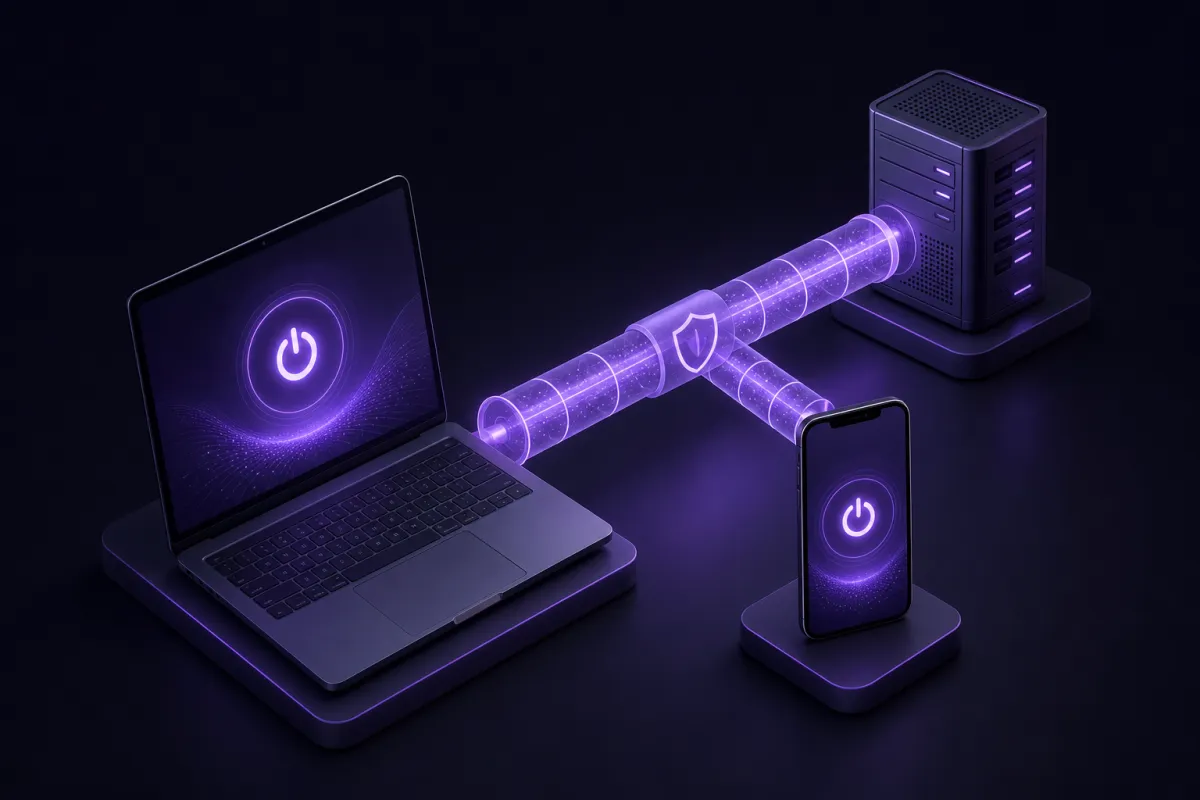
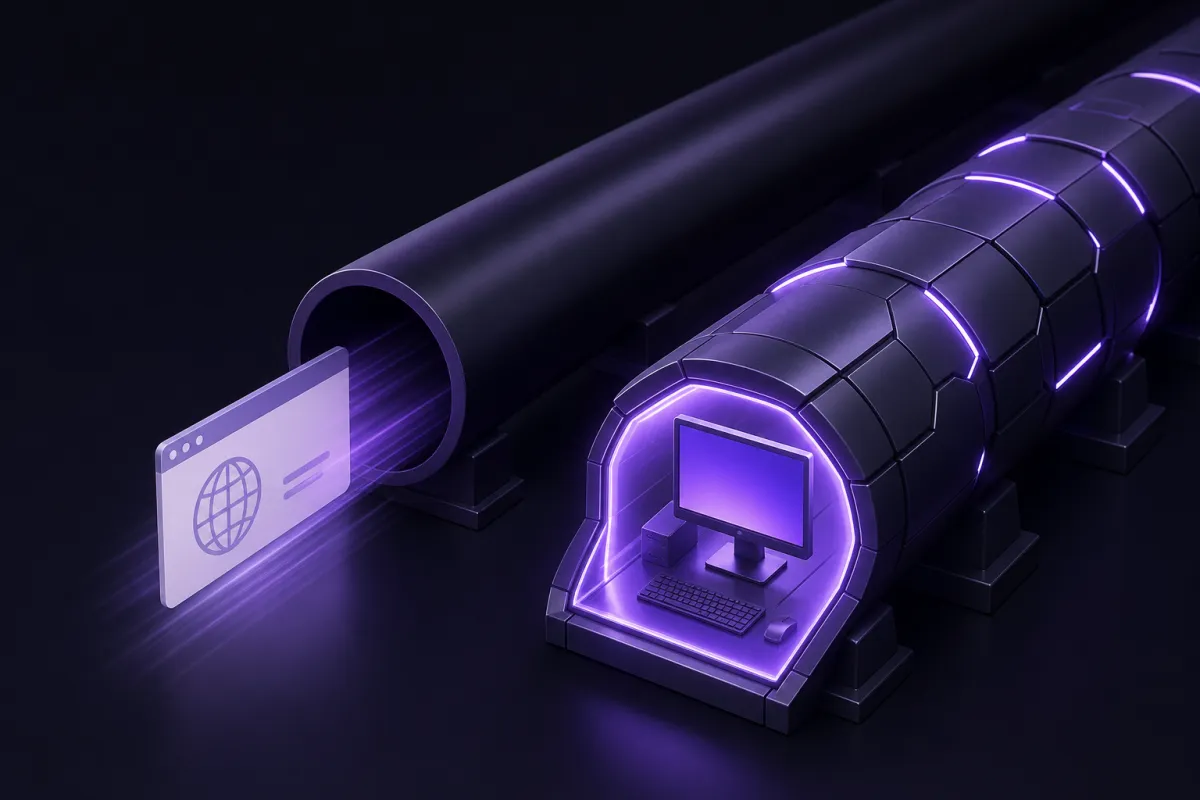
A VPN, short for virtual private network, creates an encrypted connection between your device and a VPN server. Websites and apps then see the VPN server’s IP address instead of your usual one, and the network you are using cannot easily read the contents of your traffic.
That makes a VPN useful for two broad jobs. First, it protects your connection on networks you do not fully trust, such as airport Wi-Fi, hotel Wi-Fi, coffee shop Wi-Fi, student housing, and shared office networks. Second, it reduces how much your internet provider, mobile carrier, or local network operator can see about your browsing.
For a more technical walkthrough, see what is a VPN. The short version is that a VPN changes who can observe parts of your connection. It does not remove every trace of your activity from the internet.
For example, if you are logged into a shopping site, that site still knows it is you. If you open a malicious attachment, a VPN will not disinfect it. If you type your password into a convincing phishing page, a VPN will not know your intent. Those limits matter when deciding whether a VPN solves your actual problem.
Why use a VPN? Situations where it clearly helps
The best reason to use a VPN is not mystery or hype. It is control. A VPN gives you more control over who can inspect your connection and what network identity you present to the sites and apps you use.
Public Wi-Fi
Public Wi-Fi is convenient, but you rarely know who runs it, who else is connected, or how carefully it is configured. Modern HTTPS already protects many website connections, but a VPN adds a broader encrypted tunnel around your traffic. That is useful when you are checking email, using work tools, banking, or signing into important accounts away from home.
Travel
When you travel, a VPN can make your connection feel more familiar. You can route traffic through a server in another location, reduce exposure to hotel or airport networks, and access accounts from a network path that is less tied to the place where you happen to be sitting. Always respect local laws and the terms of the services you use. For a general legal overview, read is a VPN legal.
ISP and carrier privacy
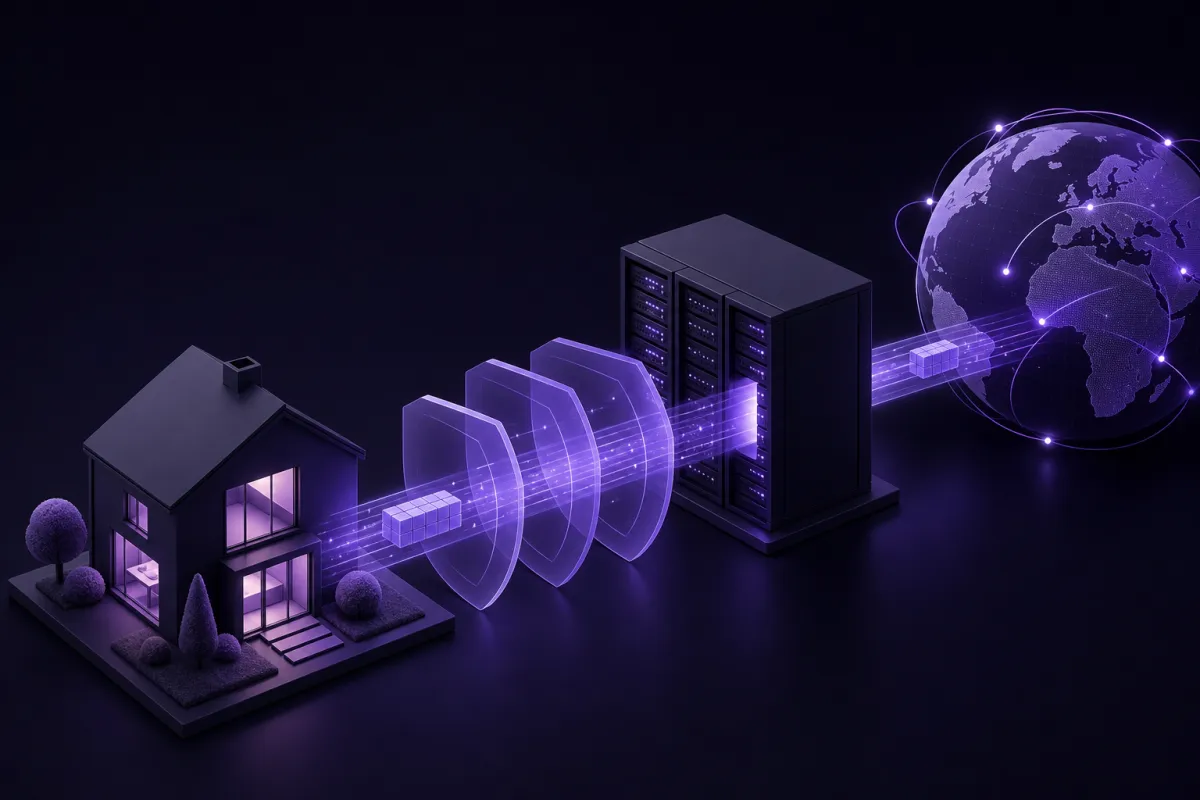
Your internet provider or mobile carrier can normally see connection metadata, such as the domains or services you connect to, depending on the app, DNS setup, and encryption in use. A VPN shifts that visibility. Your provider can see that you are connected to a VPN, but not the same browsing detail it would otherwise observe.
Shared networks
Shared apartments, dorms, offices, guest networks, and coworking spaces all create a similar issue: other people control or share the network. A VPN helps keep your traffic separate from that environment. It is especially useful when the network is convenient but not fully trusted.
Remote work
If you work remotely, a VPN can reduce risk when using business tools outside a controlled office. Your employer may already provide a company VPN for internal systems. A personal VPN is different, but it can still protect your general connection when you are using personal accounts or browsing from temporary networks.
Travel prices and regional differences
Some travel sites, booking tools, and online services may show different availability or pricing depending on region, language, currency, or IP location. A VPN can help you compare what is presented from different places. It should be used for comparison, not to misrepresent identity or ignore service terms.
Should I use a VPN on every device?
Should I use a VPN all the time? For many people, the practical answer is to use it by default on portable devices and turn it off only when it gets in the way of a trusted service. Phones, tablets, and laptops move between networks constantly, so they gain the most from always having a VPN ready.
Desktop computers at home are a closer call. If you trust your home network and you mostly use HTTPS websites and major apps, the security gain may be smaller. The privacy gain can still matter if you do not want your internet provider to have a direct view of the services you connect to.
One subscription with Crispy VPN covers up to 10 devices, which is useful if you want the same account on a phone, laptop, tablet, and TV. Apps are available for iPhone and iPad, Mac, Windows, Linux, Android, Apple TV, Android TV and Google TV, plus browser extensions for Chrome, Edge, and Firefox. You can get the apps from the download page.
A useful rule is simple: if the device leaves your home, put a VPN on it. If the device handles sensitive accounts, put a VPN on it. If it only streams from your living room on a trusted network, the need is more about privacy preference than urgent security.
Is a VPN worth it? Costs, speed, and tradeoffs
Is a VPN worth it depends on how often you face the problems it solves. If you travel monthly, work from cafes, use hotel Wi-Fi, or care about ISP privacy, the value is easy to see. If you never leave a trusted home network and do not care about provider visibility, the case is weaker.
Cost matters because VPNs require servers, apps, support, and maintenance. Crispy VPN is a paid service, with plans at $5.99 per month or $35.88 per year, which works out to $2.99 per month. Every plan includes a 30-day money-back guarantee, covers up to 10 devices, and can be paid by card or PayPal. Current plan details are on the pricing page.
Speed is the main tradeoff. A VPN adds an extra route and encryption step, so some slowdown is possible. The size of that slowdown depends on your distance to the server, local connection quality, server load, device performance, and the VPN protocol. Crispy VPN uses WireGuard on every server, a modern protocol known for a small code base, fast performance, and battery friendly behavior.
If speed is your main worry, test realistically. Try the VPN on your normal Wi-Fi and mobile connection, not just once on a perfect network. Check video calls, cloud documents, banking, streaming, and large downloads. For more detail, read does a VPN slow down internet.
Where a VPN does little or nothing
A VPN is valuable, but it is not a universal privacy shield. Knowing its limits is part of using it well.
- Logged-in tracking: If you sign into a search engine, social network, shopping account, streaming account, or email account, that service can still connect your activity to your account.
- Cookies and browser fingerprinting: A VPN changes your IP address, but sites may still recognize your browser, device settings, cookies, and login state.
- Malware: A VPN does not remove viruses, stop unsafe downloads, or inspect every file you open.
- Phishing: A VPN does not know whether you meant to enter your password on a fake login page.
- Bad passwords: A VPN cannot fix reused passwords, weak passwords, or missing two-factor authentication.
- Incognito mode confusion: Private browsing and VPNs solve different problems. Incognito mostly limits what is saved on your device. It does not hide your traffic from the network by itself. See incognito mode vs VPN for the difference.
The clearest way to think about it is this: a VPN protects the connection path. It does not make you anonymous, does not make unsafe sites safe, and does not erase the identity you choose to reveal.
Is VPN safe? How to judge the provider
Is VPN safe as a general question has a conditional answer: a VPN can be safe, but the provider matters. When you use a VPN, you are moving some trust away from your local network and internet provider toward the VPN company. That makes the company’s practices important.
Look for clear answers to these questions:
- What does the provider log? A good privacy policy should clearly explain what is and is not collected. Crispy VPN keeps no activity logs, and its two-party relay design separates who you are from what you do.
- What protocol is used? Modern protocols are preferred. WireGuard is a strong practical choice because it is fast, efficient, and has a smaller code base than older alternatives.
- Are the apps maintained across your devices? A VPN that only protects one device may leave gaps. Check whether your phone, laptop, tablet, and browser are covered.
- Is there a kill switch where you need it? A kill switch can block traffic if the VPN disconnects. With Crispy VPN, it is opt-in and available on iPhone and iPad, Mac, Windows, Linux, and browser extensions. Android uses the system Always-on VPN and Block connections without VPN settings.
- Is the business model clear? Paid services are easier to understand than services that must monetize in other ways. If you are comparing free and paid options, be careful about vague privacy promises.
No provider should ask you to believe impossible claims. Be skeptical of any VPN that says it makes you completely anonymous, prevents all tracking, blocks every threat, or guarantees access to every online service. Safer providers explain tradeoffs rather than pretending they do not exist.
Do I need a VPN? A quick self-check
If you still are not sure, use this checklist. The more items you answer with yes, the stronger the case for using a VPN.
- Do you use public Wi-Fi at airports, hotels, cafes, libraries, trains, schools, or coworking spaces? If yes, a VPN is a sensible default.
- Do you travel with a laptop, phone, or tablet? If yes, a VPN helps reduce exposure to unfamiliar networks.
- Do you want your internet provider or mobile carrier to see less detail about the services you use? If yes, a VPN helps.
- Do you live or work on a shared network? If yes, a VPN adds a useful layer of separation.
- Do you handle work accounts, cloud documents, finance, or personal email away from home? If yes, a VPN is worth considering.
- Do you expect a VPN to stop malware, phishing, tracking by logged-in sites, or account compromise? If yes, reset that expectation. You also need good passwords, two-factor authentication, software updates, and careful browsing.
- Do you care enough to turn it on and check that it works? If yes, you are more likely to benefit from it. After setup, test your connection with a guide like is my VPN working.
For most people, the decision is not dramatic. A VPN is a practical privacy tool that belongs beside a password manager, software updates, device encryption, and two-factor authentication. If your daily life includes untrusted networks or you prefer less ISP visibility, using one is reasonable. If you only want total anonymity or automatic protection from scams, a VPN is the wrong tool for that job.