crispy
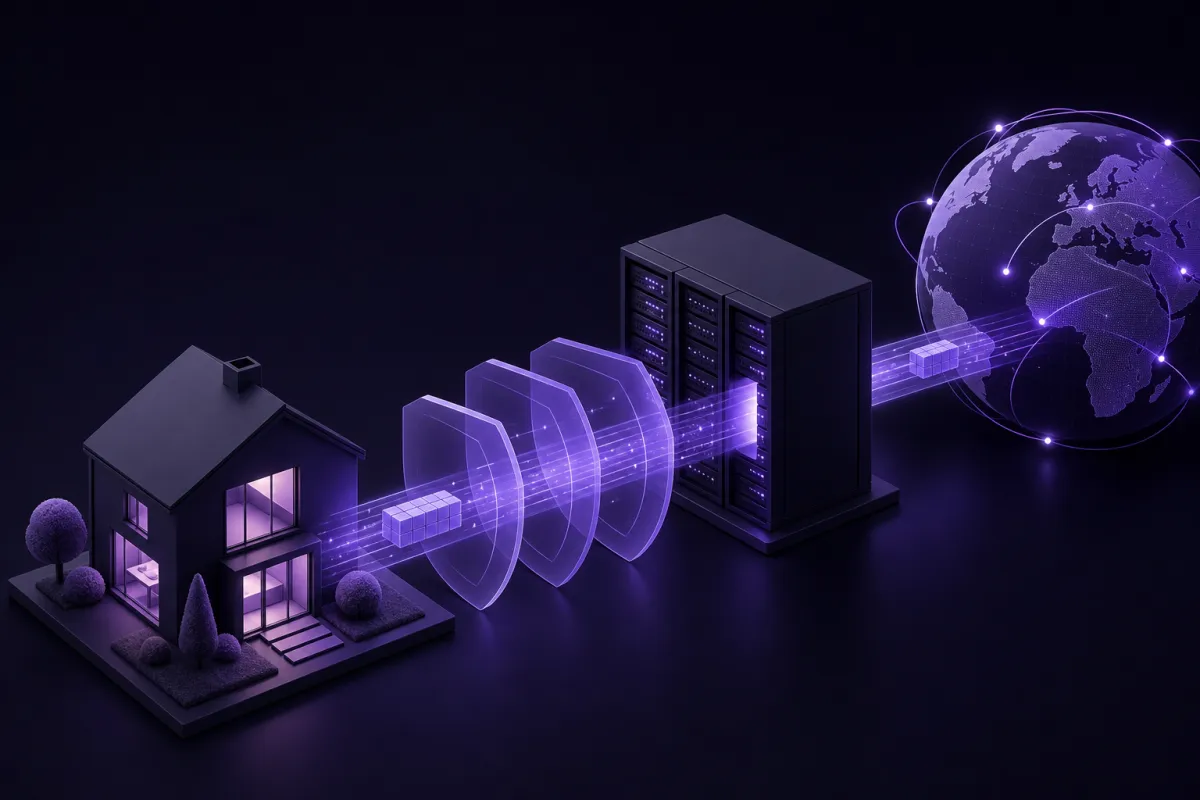
A VPN works by creating an encrypted connection from your device to a VPN server, then sending your internet traffic through that server before it reaches websites and apps. The result is that your ISP or Wi-Fi owner sees a protected VPN connection, while websites see the VPN server's public IP address instead of your usual one.
That is the short answer. The useful answer is what happens during the connection: a handshake, temporary keys, an encrypted tunnel, DNS requests through that tunnel, and a new public IP address. Crispy VPN uses WireGuard on every server, which keeps this process modern, fast, and relatively simple compared with older VPN protocols.
How VPNs work in one connection
When people ask how VPNs work, they often imagine a single privacy switch. Under the hood, it is a sequence of small steps that happen quickly when you press Connect.
- You open the VPN app and choose a server. The app prepares a secure connection to that server. With Crispy VPN, one account works across phone, desktop, TV, and browser apps, and downloads are available from the download page.
- Your device and the VPN server perform a handshake. This is a short setup conversation. They prove enough to communicate securely and agree on fresh session keys.
- The VPN creates an encrypted tunnel. Your traffic is wrapped in encryption before it leaves your device.
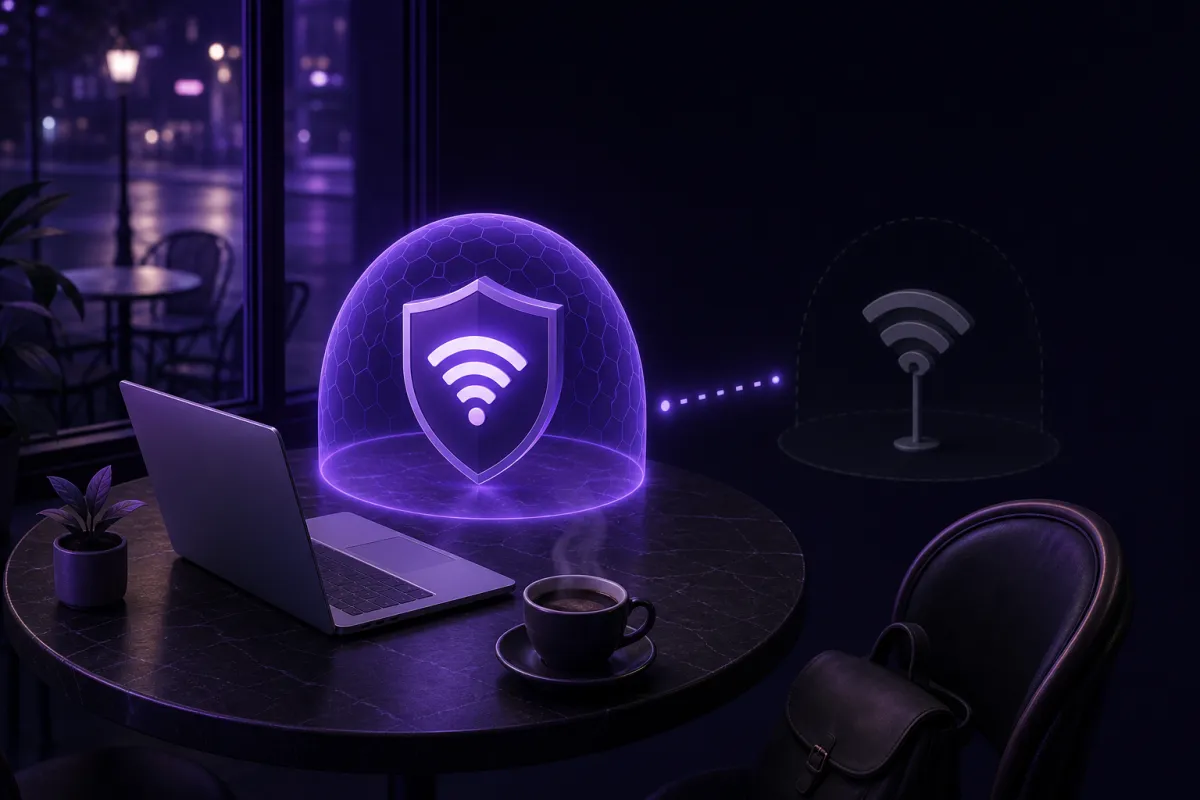
- Your traffic travels to the VPN server. Your ISP, mobile carrier, workplace network, hotel, airport, or cafe Wi-Fi can see that you are connected to a VPN server, but not the contents of the traffic inside the tunnel.
- The VPN server sends traffic onward. Websites and apps receive requests from the VPN server's IP address, not directly from your home or mobile IP address.
- Replies come back the same way. The website responds to the VPN server, the server sends the encrypted response back through the tunnel, and your device decrypts it locally.
This is why a VPN changes what different parties can see. Your local network sees less detail about your browsing. The website sees a different public IP address. The VPN provider becomes part of the path, so its logging policy and technical design matter.
What is a VPN tunnel?
A VPN tunnel is not a physical tunnel. It is a protected route between your device and a VPN server. Data inside that route is encrypted before it crosses your normal internet connection.
Think of your internet connection as a public road. Without a VPN, your traffic still may be protected by HTTPS on many websites, but your ISP or Wi-Fi owner can usually see connection metadata such as the domains you contact and the IP addresses involved. With a VPN, the visible local connection is mainly between your device and the VPN server.
The tunnel covers traffic handled by the VPN app according to its settings. On most device apps, that means your device's internet traffic is routed through the VPN while connected. Browser extensions usually protect browser traffic only. If you are comparing those options, the differences are covered in more detail in VPN vs proxy.
Why the server matters
The VPN server is the exit point. After decrypting your traffic, it forwards requests to the wider internet. The destination website sees the server's public IP address. If you connect through a server in another city or country, your visible IP location usually reflects that server location rather than your own network.
Crispy VPN has 12 server locations, including cities in Europe, North America, and Asia-Pacific. That is enough to choose a practical nearby server for everyday use or a different region when you need your connection to appear from that location.
What is VPN encryption?
VPN encryption is the process of turning readable data into unreadable ciphertext before it leaves your device. Only the correct endpoint, the VPN server or your device on the return trip, has the keys needed to turn it back into usable data.
You do not need the math to understand the job. Encryption protects the contents of the packets while they move across networks you do not control. If someone on the same public Wi-Fi captures the traffic, they should not be able to read the tunneled contents. If your ISP inspects the connection, it should see a VPN connection, not the individual pages or app data inside it.
WireGuard, the protocol used by Crispy VPN on every server, uses ChaCha20-Poly1305 for encryption and data integrity, and Curve25519 for key agreement. In plain English, one part protects the data, one part helps detect tampering, and one part lets both sides establish shared keys without sending those keys across the network in readable form. You can read more in what is WireGuard.
What the handshake does
The handshake is the setup phase. Your device and the VPN server exchange carefully designed cryptographic messages. At the end, both sides can calculate temporary session keys. Those keys are then used to protect the traffic flowing through the tunnel.
Good modern VPN design avoids reusing long-term secrets for every packet. Temporary keys reduce the amount of data protected by any one key and help keep a connection safer if a session ends or changes.
What does a VPN do to your IP address and DNS?
Your public IP address is the address websites see when your connection reaches them. Without a VPN, that address normally belongs to your ISP, mobile carrier, office network, or the Wi-Fi network you are using. With a VPN connected, websites usually see the public IP address of the VPN server instead.
This matters because IP addresses can reveal approximate location and network provider. A VPN does not make you anonymous, but it does stop ordinary websites from seeing your direct home, mobile, or hotel network IP address during that VPN session.
DNS through the tunnel
DNS is the system that turns names like example.com into the IP addresses computers use. Without a VPN, DNS requests may go to your ISP, your router, your workplace, or a DNS provider configured on your device. Those lookups can reveal the sites you are trying to reach, even if the page content itself is protected by HTTPS.
When a VPN is working properly, DNS requests should travel through the VPN tunnel as part of the protected connection. That means the local Wi-Fi owner or ISP should not see a separate stream of DNS lookups from your device. If DNS leaks outside the tunnel, some of the privacy benefit is weakened.
After connecting, it is sensible to verify your visible IP address and check for DNS leaks. The steps in is my VPN working explain what to look for.
What your ISP and Wi-Fi owner can see before and after
A VPN changes visibility, but it does not make every party blind. The easiest way to understand it is to compare the view before and after you connect.
Before you connect to a VPN
- Your ISP can see your account, your connection time, your assigned IP address, and traffic metadata.
- The owner of a Wi-Fi network may see your device connecting to the network and the internet destinations your device contacts.
- DNS requests may be visible to the network or DNS provider you are using.
- Websites and apps see your public IP address from your current network.
After you connect to a VPN
- Your ISP or Wi-Fi owner can see that your device is connected to a VPN server.
- They can see timing and data volume, but not the readable contents inside the VPN tunnel.
- Websites and apps see the VPN server's IP address instead of your normal public IP address.
- DNS requests should go through the tunnel if the VPN is configured and working correctly.
There are still limits. If you sign in to a website, that site knows it is you because of your account login, cookies, device signals, or other identifiers. A VPN changes the network path. It does not erase every tracking method used by websites and apps.
What a VPN does not do
A VPN is useful, but it is often oversold. Knowing the limits helps you use it correctly.
- It does not make you anonymous. Your VPN provider can be part of the path, and websites can still identify logged-in users.
- It does not stop malware by itself. A VPN is not antivirus software. A malicious download is still malicious through a VPN.
- It does not stop phishing. If you type your password into a fake login page, encryption cannot decide that the page is fake.
- It does not remove tracking from accounts. If you are signed in to a social network, shop, or email account, that service can still associate activity with your account.
- It does not guarantee faster internet. A VPN adds routing and encryption. Sometimes the path is efficient, sometimes it is slower. For the practical reasons, see does a VPN slow down internet.
It is better to treat a VPN as one layer of privacy and security. Use it with strong passwords, software updates, HTTPS websites, device locks, and sensible account settings.
How to make a VPN connection more reliable
Once you understand how does a VPN work, the practical choices become clearer. Most connection problems come down to server choice, network quality, protocol behavior, or app settings.
- Choose a nearby server for routine browsing. Shorter distance often means lower latency.
- Use WireGuard when available. Crispy VPN uses WireGuard on every server, so you do not have to choose between older protocols.
- Turn on the kill switch if you need it. A kill switch helps block traffic if the VPN disconnects unexpectedly. In Crispy VPN apps, it is available on iPhone, iPad, Mac, Windows, Linux, and browser extensions, and it is off by default. Android uses the system Always-on VPN and Block connections without VPN settings.
- Reconnect if a network changes. Moving from mobile data to Wi-Fi, or from one Wi-Fi network to another, can interrupt the tunnel briefly.
- Check your IP and DNS after setup. This confirms that traffic is taking the expected route.
For a beginner-friendly setup walkthrough, see how to use a VPN.