crispy

A VPN free trial is a way to test a VPN before keeping it, but it does not always mean free access with no payment details. Most VPN trials fall into two groups: short app store trials, or a paid plan backed by a refund period.
Crispy VPN does not offer a free plan or a separate free trial. Instead, every plan includes a 30-day money-back guarantee, so you can pay for a month or year, test the service on your own devices, and request a refund within the guarantee window if it is not right for you.
How a VPN free trial usually works
VPN trials can look similar on the surface, but the terms are often very different. Before you install anything, check what starts the trial, when billing begins, which payment method is required, and how cancellation works.
Short app store trials
Some VPN apps offer a short trial through an app store subscription. These trials are usually tied to your Apple, Google, or other app store account. You may need to enter payment details before the trial starts, and the subscription can renew automatically if you do not cancel in the app store settings.
The advantage is convenience. The downside is that refunds and cancellations may be controlled by the app store rather than the VPN provider. If you sign up this way, save the renewal date immediately.
Paid plans with a refund period
The other common model is a paid subscription with a refund promise. You pay up front, use the VPN normally, and can ask for your money back during the stated period if it does not meet your needs. This is often better for real testing because you are using the same service, servers, speeds, and device apps that paying customers use.
Crispy VPN uses this second model. There is no separate free VPN plan, but every plan has a 30-day money-back guarantee. If you want more background before choosing, see our guide to free VPN vs paid VPN.
Can you try VPN free without a catch?
People often search for ways to try VPN free because they want to avoid paying for something that may not work well on their connection. That is reasonable. A VPN affects your real internet connection, so marketing claims are less useful than testing it in your home, on your phone, and on the networks you actually use.
The word free, though, can hide tradeoffs. A free plan may have limited locations, lower speeds, data caps, fewer apps, or a different privacy model. A free trial may require payment details and then turn into a paid subscription automatically. A refund period requires payment up front, but usually gives you access to the full product.
The practical question is not only whether you can start without paying. It is whether you can test the same VPN you would keep using, and whether the exit terms are clear. Read the plan page, refund wording, cancellation method, and support route before you start.
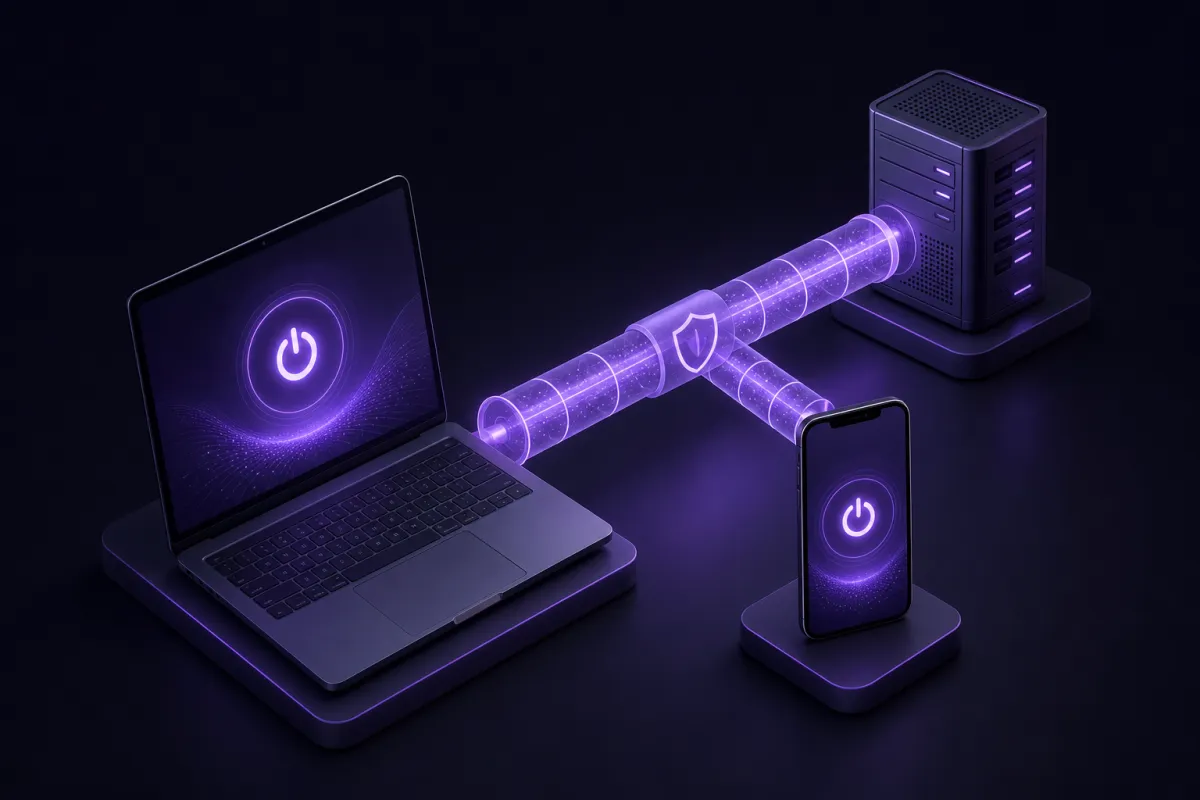
Also remember what a VPN can and cannot do. It can encrypt traffic between your device and the VPN server and change the IP address websites see. It does not make you anonymous, stop malware or phishing by itself, or prevent tracking by sites where you are logged in. For a plain explanation of the basics, read what is a VPN.
What a VPN money back guarantee should mean
A VPN money back guarantee should give you enough time to test the service in ordinary conditions, then leave if it is not a fit. The strongest version is simple: every plan is covered, the time window is clear, and you do not need to prove an unusual technical failure.
With Crispy VPN, every plan includes a 30-day money-back guarantee. The service costs $5.99 per month, or $35.88 per year, which works out to $2.99 per month. One subscription covers up to 10 devices, and you can pay by card or PayPal. That means you can test your phone, laptop, tablet, and TV without buying separate accounts.
A guarantee is not the same as a free plan. You should expect to be charged when you subscribe, then request a refund within the stated period if you decide not to continue. This is why it helps to set a reminder for a few days before the refund window closes.
Cost is only one part of the decision. Check whether the apps cover your devices, whether the server locations are useful to you, and whether the privacy policy matches your expectations. Crispy VPN keeps no activity logs and uses a two-party relay design that separates who you are from what you do. You can read more on the transparency page.
Free VPN trial no credit card: why it is rare
A free VPN trial no credit card offer sounds ideal: install the app, test everything, and walk away without entering payment details. In practice, this model is uncommon for full VPN access because running a reliable VPN has ongoing costs: servers, bandwidth, apps, support, and payment systems.
When a no-card trial exists, it may be brief, restricted, or limited to a specific platform. That does not make it bad, but it does mean you should check whether it tests the parts you actually care about. A trial that only covers one device is less useful if you need the VPN on Windows, Android, iPhone, and a TV.
If you do use a no-card trial, judge it by the same standards as a paid trial. Is the app stable? Are the locations you need available? Are speeds consistent at busy times? Can you find clear privacy information? Does support respond in a practical way?
If the only reason you want no-card access is fear of forgetting to cancel, build your own safety net. Start the trial when you have time to test, put the deadline in your calendar, and decide early rather than on the final day.
What to test during a VPN free trial
A good trial is not a vague feeling after one speed test. Use a short checklist and run it on the devices and networks that matter to you. Test at home, on mobile data if relevant, and on public Wi-Fi if that is one of your main reasons for using a VPN.
- Install the apps you will really use. Download from the official page and set up your main devices first. Crispy VPN apps are available for iPhone and iPad, Mac, Windows, Linux, Android, Apple TV, Android TV and Google TV, and Amazon Fire TV devices running Fire OS. You can get the apps at /download.
- Check speed at normal times. Try browsing, video calls, downloads, and any work tools you rely on. Test in the evening as well as during the day, since congestion can vary. For more detail, see does a VPN slow down internet.
- Try nearby and relevant server locations. A nearby server is often best for everyday speed. A specific country may matter for travel, language, work, or account security reasons, so test the locations you would actually choose.
- Check for leaks. Confirm that your visible IP address changes and that DNS requests are not exposing your usual connection. Our guide to checking whether your VPN is working walks through the basics.
- Test the kill switch if you need one. A kill switch blocks traffic if the VPN drops, but the details depend on the app. On Crispy VPN, it is opt-in and available on iPhone and iPad, Mac, Windows, Linux, and the browser extensions. Android and Fire TV use the system Always-on VPN settings.
- Use the VPN long enough to notice friction. Keep it on during ordinary tasks. Watch for repeated sign-ins, app conflicts, battery impact on mobile, or sites that behave differently when your IP changes.
- Ask support a real question. Do this before you are under time pressure. A clear answer during the trial tells you more than a promise on a sales page.
Crispy VPN uses WireGuard on every server. WireGuard is a modern VPN protocol with a small code base, good speed, and strong efficiency on phones and laptops. If you are comparing protocols, read our guide to what is WireGuard.
How to cancel a VPN trial in time
The safest time to understand cancellation is before you subscribe. A trial that is easy to start but confusing to cancel can turn into an unwanted renewal. Give yourself a simple process.
Before you start
- Read the refund or trial period and note the exact number of days.
- Check whether you are subscribing through an app store or directly through the VPN provider.
- Save the receipt, account email, and support contact path.
- Create two calendar reminders: one halfway through the trial, one several days before it ends.
During the trial
Do the important tests early. If your laptop app fails, your preferred location is not useful, or your work tools do not behave well over the VPN, you want time to troubleshoot before deciding. Do not leave setup until the final evening.
When you decide to cancel
If the subscription was made through an app store, cancellation usually happens in that store account. If it was purchased directly from the provider, cancellation and refund requests usually go through the provider account area or support. Keep a copy of any confirmation until the refund is complete.
With a money-back guarantee, cancellation and refund are related but not always identical steps. If you want your money back, make sure you request the refund within the guarantee period rather than only turning off renewal.
When a refund trial is better than a free trial
A refund trial can be more useful than a limited free trial when you need to test the full service. This is especially true if you care about multiple devices, TV apps, browser extensions, or specific locations.
For example, a phone-only trial may tell you nothing about the Windows app you use for work, the Android TV app in your living room, or the browser extension you want for a separate browsing profile. A full subscription with a refund period lets you test the setup as a whole.
It also helps when you want to evaluate privacy settings and reliability under normal use. Turn the VPN on for a week, not just five minutes. Use your regular browser, email, video calls, cloud storage, and mobile apps. If something feels inconvenient, you will find out before the refund deadline.
There are still reasons to prefer a true free trial. If you cannot pay up front at all, a refund guarantee will not solve that. If you only need one quick test, a short no-card trial may be enough. But for most people choosing a VPN for daily use, full access with clear refund terms is the more realistic test.
A sensible way to choose after the trial
At the end of a VPN trial, do not judge only by the fastest speed test result. Decide based on whether the VPN fits your routine. The best service for you is the one you can leave on without constantly thinking about it.
Use these questions:
- Did speeds stay good enough for browsing, calls, streaming, and downloads?
- Did the apps work on every device you planned to use?
- Were the privacy terms understandable and acceptable?
- Did the VPN avoid DNS or IP leaks in your tests?
- Was support clear when you needed help?
- Do the renewal price and refund terms still make sense?
If the answer is yes, keeping the subscription is reasonable. If not, cancel and request any eligible refund while you are still inside the window. A trial has done its job either way: it replaced guesswork with evidence from your own connection.