crispy
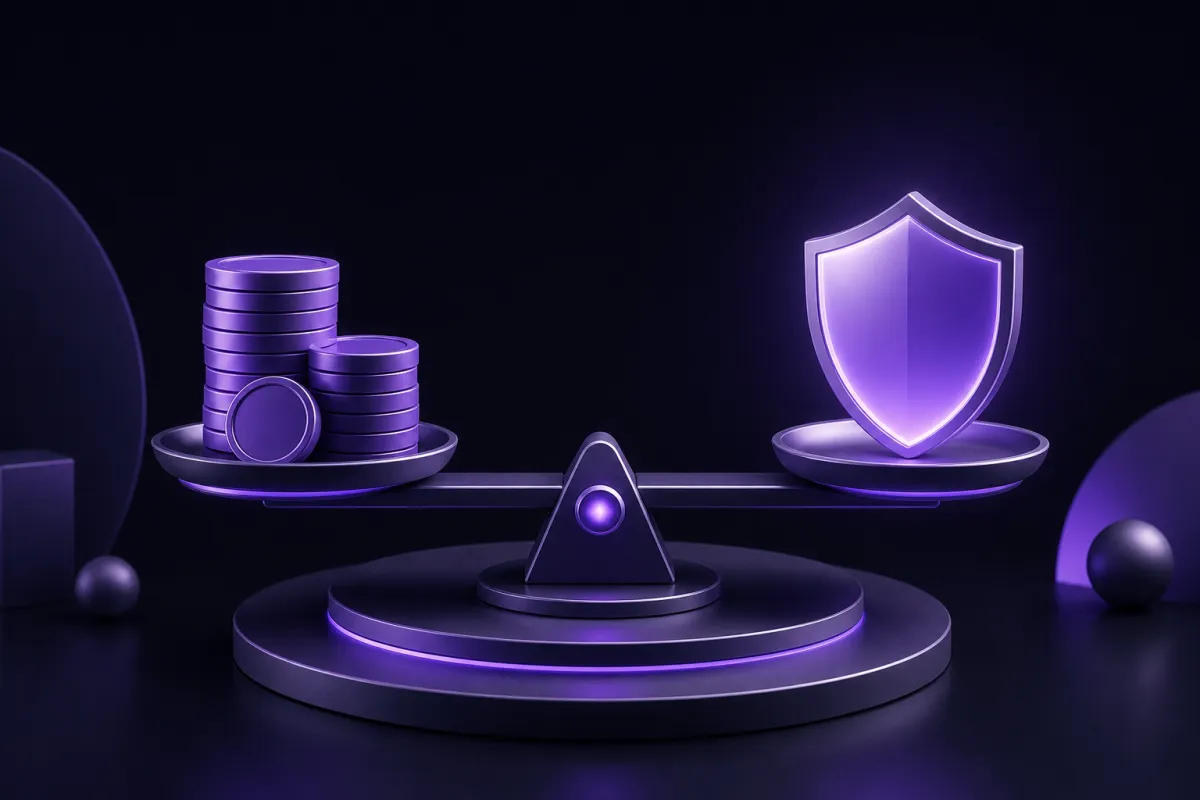
Most paid VPNs cost about $5 to $13 USD if you pay month to month, while annual or longer plans usually bring the effective monthly price down. If you are asking how much does a VPN cost, the short answer is that flexibility costs more, and commitment usually costs less.
The better question is what you get for that price. A VPN subscription can include apps, server capacity, bandwidth, privacy design, support, and refund terms, while a free VPN has to pay for itself in other ways.
How much is a VPN per month?
For a typical paid VPN, the monthly price is roughly $5 to $13 USD when billed month to month. That range covers the common consumer market, from simple budget services to more expensive plans with larger networks, more apps, or extra account features.
The month-to-month plan is usually the most expensive way to buy a VPN. You are paying for the right to cancel quickly, not necessarily for a better product. If you only need a VPN for a short trip, a temporary work situation, or a one-month test, that flexibility can be worth it.
Annual plans usually cut the effective monthly cost sharply. Instead of paying $8 or $10 every month, you might pay a single yearly bill that works out to a much lower monthly number. Some VPNs also sell two-year or three-year plans, which can look even cheaper per month, although they require more trust because you are paying far in advance.
Price is not the same as value. A $3 monthly equivalent can be good if the service is reliable, private, and easy to use. A $12 monthly plan can be poor value if the app is frustrating or the renewal terms are unclear. If you are new to VPNs, it helps to understand the basics first. This guide to what a VPN is explains what the tool can and cannot do.
VPN subscription terms: why long plans are cheaper
A VPN company would rather know that a customer is staying for a year than wonder whether that customer will cancel next month. Longer plans reduce billing churn, support predictable infrastructure planning, and lower payment processing costs per month of service. That is why the advertised monthly equivalent often drops when you choose annual billing.
The tradeoff is simple. You get a lower effective monthly price, but you give up some flexibility. If your needs change, you may already have paid for time you no longer use. That does not make annual billing bad. It just means you should check the details before you buy.
Use this quick checklist before choosing a term
- Decide how long you really need the VPN. For a short project, monthly billing may be cleaner.
- Compare the total bill, not only the monthly equivalent. A low monthly figure can hide a large upfront payment.
- Check the refund window. A money-back guarantee gives you time to test the apps and connection quality.
- Look for device limits. One account should cover the devices you actually use.
- Read renewal language carefully. The first term and the next term may not have the same price.
If you already know you will use a VPN across a phone, laptop, tablet, and TV device, an annual plan can make sense. If you are still comparing options, a monthly plan or a plan with a clear refund policy reduces the risk.
VPN price traps to check before you pay
The lowest advertised VPN price is not always the price you will keep paying. Some deals are built around a steep first-term discount, then renew at a higher rate. That can be fine if it is clearly explained, but it is frustrating when the renewal price is buried in small print.
Before entering your card details or PayPal account, check three numbers: the price today, the length of the first term, and the renewal price after that term ends. If you cannot easily find all three, treat the deal with caution.
Common pricing details that deserve a closer look
- Introductory discounts: A low first-year price may jump later.
- Multi-year commitments: The monthly equivalent looks attractive, but the upfront payment is larger.
- Add-ons: Some checkout pages add extra products or features unless you remove them.
- Device limits: A low price is less useful if you need to buy more accounts for family devices.
- Refund conditions: A money-back guarantee should be easy to understand before you pay.
Also consider what happens if the VPN slows your connection. Every VPN adds some overhead because your traffic is encrypted and routed through another server. A well-built service should still feel fast for normal browsing and video calls, but distance, server load, and your own internet connection matter. If speed is a major concern, read more about whether a VPN slows down internet before choosing a long plan.
Cheap VPN: when low cost is fine and when it is risky
A cheap VPN is not automatically bad. Efficient infrastructure, simple pricing, and a focused feature set can keep costs reasonable. The risk starts when the price is so low that it is unclear how the service pays for servers, bandwidth, app development, and support.
A sensible low-cost VPN should still offer modern encryption, reliable apps, clear privacy language, and enough server capacity for everyday use. It should not ask you to accept vague logging policies or confusing billing just because the monthly figure looks attractive.
For a concrete benchmark, Crispy VPN costs $5.99 per month, or $35.88 per year (works out to $2.99 per month). Every plan has a 30-day money-back guarantee, one subscription covers up to 10 devices, and payment is available by card or PayPal. You can compare the current plans on the pricing page.
That sort of structure is easier to evaluate than a plan built around temporary countdowns or unclear renewals. Whether you choose monthly or annual billing, the important thing is knowing the real cost before the subscription starts.
Is VPN free, and how do free VPNs pay for themselves?
Some VPNs are free to download and use, but running a VPN is not free. Servers, bandwidth, engineering, app maintenance, customer support, and payment systems all cost money. If a VPN does not charge you directly, it needs another way to cover those costs.
Free VPNs commonly use one or more tradeoffs. They may limit data, restrict speeds, show ads, offer only a few locations, push upgrades aggressively, or collect more information than a paid privacy tool should. Not every free service works the same way, but the business model matters because a VPN sits between your device and the websites or apps you use.
A VPN also does not make you anonymous. It can hide your IP address from sites you visit and protect traffic on untrusted networks, but it does not stop malware, phishing, or tracking by accounts you are logged into. If you sign in to a social network, shop, or email account, that service still knows it is you.
If you are comparing free and paid options, read our deeper guide to free VPN vs paid VPN. The key point is not that every paid service is good or every free service is dangerous. The key point is that you should understand how the provider makes money before routing your traffic through it.
What your VPN subscription actually pays for
A VPN subscription pays for more than a switch that says connected. The service has to operate servers, move encrypted traffic, maintain apps across platforms, and keep connections stable when networks change. Those ongoing costs are why very low prices can come with limits.
Server network and bandwidth
Servers need capacity. If too many people are pushed through too few locations, speeds suffer. A larger or better-managed network costs more to operate, especially when users expect streaming, video calls, cloud backups, and software updates to work smoothly.
Apps and device support
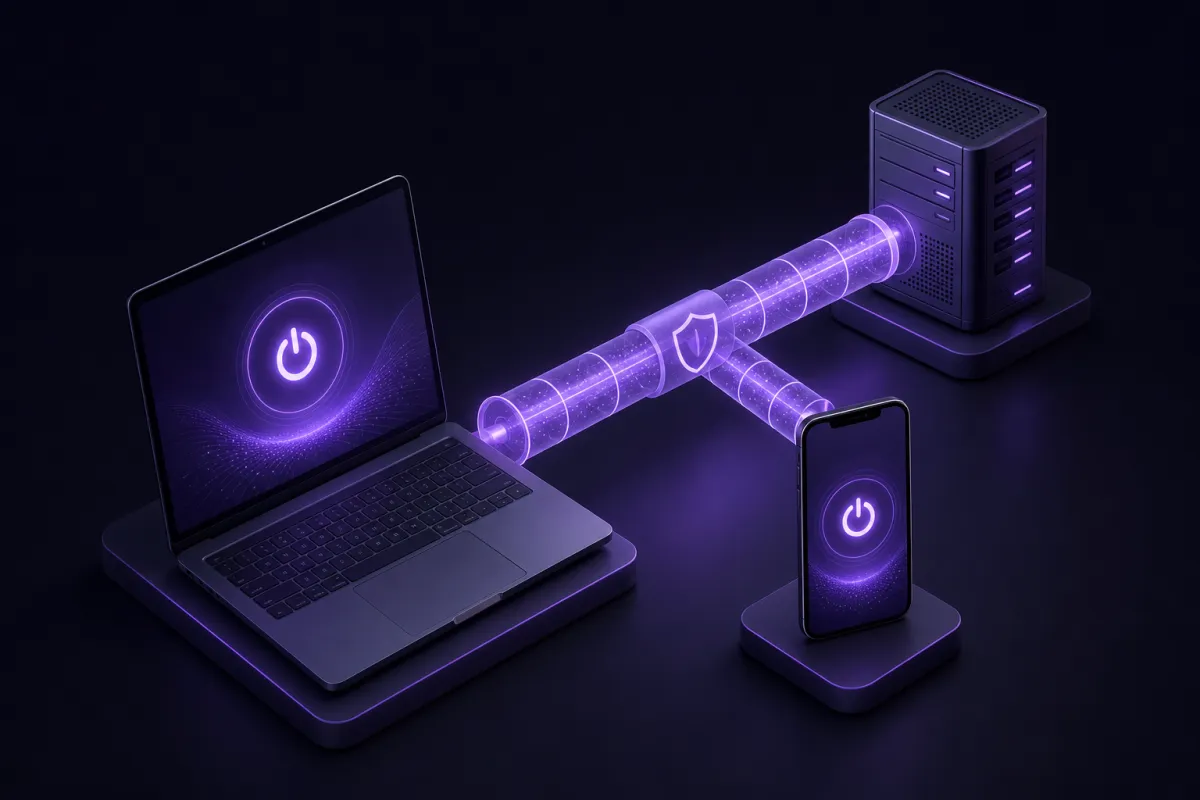
Good apps take continuous work. Operating systems change, browsers update, and TV platforms have their own sign-in requirements. Crispy VPN has apps for iPhone and iPad, Mac, Windows, Linux, Android, Apple TV, and Android TV or Google TV, plus browser extensions for Chrome, Edge, and Firefox. Downloads are available from the download page.
Protocol and privacy design
The protocol affects speed, battery use, and reliability. Crispy VPN uses WireGuard on every server, a modern VPN protocol known for a small code base and strong performance. If you want more background, this guide explains what WireGuard is.
Privacy design matters too. Crispy VPN keeps no activity logs and uses a two-party relay design that separates who you are from what you do. That does not make anyone anonymous, but it is a meaningful part of what a paid VPN service can be built to provide.
How to choose the right VPN price for your use
The right VPN price depends on how often you will use it and how many devices you need to cover. Someone who only wants protection on hotel Wi-Fi for one trip may value a monthly plan. Someone who uses a VPN every day on a phone, laptop, and TV device will usually get better value from annual billing.
Start with your real use case. Do you mainly need safer browsing on public networks, a consistent IP location for work tools, or privacy from local network operators? Do you need apps for desktop and mobile, or only a browser extension? Paying for features you never use is not value, even if the plan is discounted.
Then test the basics during the refund period. Install the apps you expect to use, connect to the locations that matter to you, try video calls, load your usual websites, and check that the connection feels stable. If the VPN includes a kill switch, turn it on if that feature matters to your situation, because many services leave it off by default.
If you choose Crispy VPN, one account works across supported apps and extensions, and TV sign-in works by scanning a QR code with your phone. That makes the price easier to judge because you are not buying separate subscriptions for each device.
A good VPN price is the one you understand before paying, can afford at renewal, and can justify through real use. The cheapest plan is not always the best choice, but neither is the most expensive one. Look for transparent billing, practical apps, modern protocols, and a privacy model you can understand.