crispy
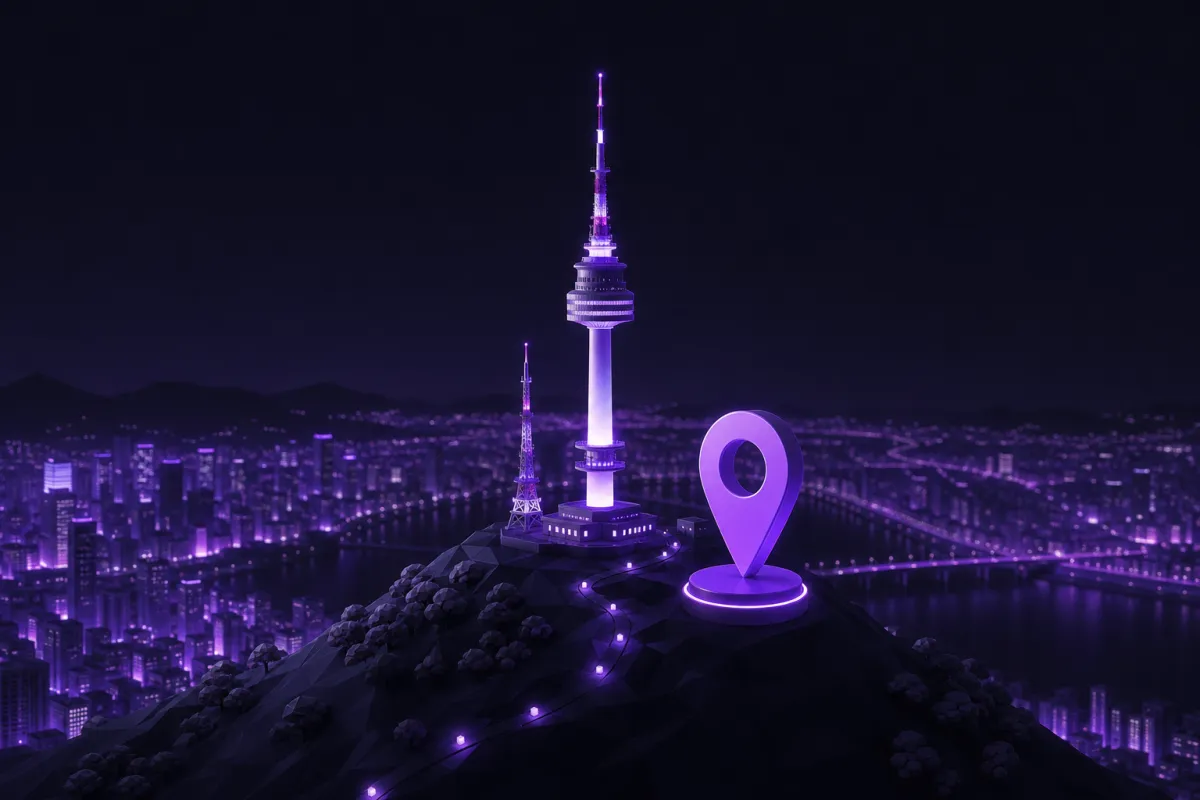
A South Korea VPN gives you a South Korean IP address by routing your connection through a server in South Korea. With Crispy VPN, choose the Seoul location, connect, and verify your new IP address on What is my IP.
That setup is useful if you live outside South Korea, travel often, or need to see the web from a Korean location for practical work. It can help with home banking checks, government portals, local news, your own paid subscriptions, search results, local pricing, website testing, ad checks, and safer browsing on hotel or airport Wi-Fi.
Why a South Korea VPN changes what websites see
Every time you visit a website, the site can usually see the public IP address of the network you are using. That IP address is often tied to a rough location, such as the country or city of your internet provider. If you are in Germany, the United States, Japan, or Australia, many sites will treat you as a visitor from that place, even if your accounts, language, and daily life are connected to South Korea.
A VPN changes that visible network location. Your device creates an encrypted connection to a VPN server, and websites see the server's IP address instead of your hotel, office, café, or mobile network IP. When you connect to a Seoul server, websites that use IP location may see you as connecting from South Korea.
This does not change who you are inside an account. If you sign in to a bank, government portal, streaming service, shopping account, or social network, that service still knows the account is yours. A VPN is best understood as a way to change the network path and protect the connection, not as a tool that makes you anonymous online. For a deeper primer, see what a VPN is.
Who needs a Korea VPN abroad?
A Korea VPN is most useful when the location of your internet connection affects what you can see or do. For South Koreans living abroad, business travelers, students, and long term expats, a Korean IP address can make familiar services behave more like they do at home.
- Home banking: Some financial sites use location as one signal when deciding whether to ask for extra checks. A South Korean IP may reduce friction, but banks can still block VPN traffic or require additional verification.
- Government portals: Public services may present different pages, language defaults, or login flows depending on location. You still need the right identity documents, account, and authentication method.
- Local news and search: A Korean IP can show local search results, Korean news layouts, regional weather, and country specific pages.
- Your paid subscriptions: If you pay for Korean services, a VPN can help your connection look local. It does not guarantee access, and each service's terms still apply.
- Pricing checks: Shops, travel sites, and platforms sometimes vary listings by region. A VPN helps you compare what a visitor from Seoul sees.
- Testing websites and ads: Developers, marketers, and support teams can check Korean landing pages, ad delivery, language routing, and search result differences without being physically in Korea.
- Public Wi-Fi privacy: On hotel, airport, and café Wi-Fi, a VPN encrypts your traffic between your device and the VPN server, which is especially useful on networks you do not control.
The important limit is that a VPN changes your apparent network location, not your entitlement to use a service. If a site requires a Korean phone number, a local payment method, a resident account, or extra identity checks, a VPN cannot replace those requirements.
How to get a Korean IP address from Seoul
The basic setup takes only a few minutes. Crispy VPN has a server location in Seoul, and one account works across phones, computers, tablets, TVs, and browser extensions. Apps are available from the download page.
- Install the VPN app on your device. Use the app for iPhone, iPad, Mac, Windows, Linux, Android, Apple TV, Android TV, or Google TV. Browser extensions are available for Chrome, Edge, and Firefox.
- Sign in to your account. Crispy accounts use email and password. On TV apps, sign in by scanning a QR code with your phone.
- Choose South Korea or Seoul in the location list. The server is in Seoul, which gives you a Korean IP address while connected.
- Connect and wait for the app to show that the VPN is on. If your device asks for VPN permission, approve it so the app can create the secure connection.
- Check your IP address. Open /en/what-is-my-ip and confirm that the detected location is South Korea.
- Open the service you want to use. If it is a banking, government, work, or subscription site, sign in normally and follow any extra security steps it requests.
Before you start
Make sure your device clock is correct, your browser is updated, and you are using the official app or extension for your platform. If you are troubleshooting a site that keeps showing the wrong region, close and reopen the browser after connecting, or try a private window so old cookies are less likely to affect the result.
VPN Korea checks: confirm your new IP
After connecting, verify that the VPN is doing what you expect. This is especially important if you are testing a website, checking ads, or trying to understand why a service still shows the wrong country.
Start with the IP address. Open What is my IP and check the location result. If it shows South Korea, your visible IP address has changed. If it still shows your real country, disconnect and reconnect, then check again.
Next, confirm that the app says the VPN is connected. On iPhone, iPad, Mac, Windows, Linux, and browser extensions, you can also choose to enable the kill switch. It is off by default. The kill switch blocks traffic if the VPN connection drops, which can help avoid accidentally falling back to your normal network. On Windows, there is also an optional Lockdown mode. On Android, use the system Always-on VPN and Block connections without VPN settings for similar protection.
If something looks wrong, do not keep refreshing a sensitive login page over and over. First check the VPN connection, then check the IP result, then reopen the site. For a fuller troubleshooting list, read how to check if your VPN is working.
What a VPN can and cannot do for Korean services
A VPN is helpful, but it is not a magic key for every website. Some streaming platforms, banks, payment services, and government portals actively block known VPN IP addresses. Others allow the connection but still ask for SMS verification, device approval, resident credentials, a local payment method, or a Korean account.
For streaming, the safest expectation is modest: a South Korea VPN can make your connection appear to come from South Korea, but it cannot promise that any specific service, catalog, match, show, or app will work. Services change their access rules, rights, and detection systems over time. If you use streaming subscriptions while traveling, follow the terms of the service you pay for. You can also read our broader guide to VPNs for streaming.
For banking and government sites, location is only one trust signal. Your device history, account settings, two factor authentication, SIM card, browser cookies, and previous login behavior can all matter. A Korean IP may make a login look more familiar, but the site may still decide that extra verification is needed.
For local prices and search results, remember that IP location is only one ingredient. Sites may also use account country, browser language, currency settings, shipping address, GPS permission, and cookies. If you need a clean test, connect to Seoul first, then use a fresh browser profile or private window, and avoid signing in unless the test requires it.
Speed tips for a South Korea connection
Any VPN can affect speed because your traffic takes an extra route through the VPN server. The impact depends on distance, network congestion, Wi-Fi quality, the site you are visiting, and your own internet connection. If you are in Seoul or elsewhere in East Asia, a South Korea server may feel fast. If you are in Europe or the Americas, the longer distance can add latency.
Crispy VPN uses WireGuard on every server. WireGuard is a modern VPN protocol with a small code base, and it is designed to be fast and battery friendly. Still, physics matters. A connection from London to Seoul is usually going to have more delay than a connection from London to a nearby European server.
Choose the server based on the job
- Use Seoul when location matters. Choose South Korea for banking checks, local pages, Korean search results, region testing, or a service that expects a Korean IP address.
- Use a nearby server when speed matters more. If you only want privacy on public Wi-Fi, the nearest reliable location will often be faster than South Korea.
- Check your Wi-Fi first. Weak hotel Wi-Fi can be the real bottleneck. Move closer to the router, switch networks if possible, or try mobile data.
- Restart the app connection. Disconnecting and reconnecting can sometimes give you a cleaner route.
- Limit background traffic. Cloud backups, app updates, and large downloads can make any VPN feel slow.
If you want more detail on what affects performance, see does a VPN slow down internet?.
Privacy, Wi-Fi safety, and legality basics
A VPN is valuable on networks you do not trust. On airport, hotel, conference, university, and café Wi-Fi, other people may share the same local network. A VPN encrypts the connection between your device and the VPN server, which reduces what the Wi-Fi operator or nearby attackers can inspect. For travel specific advice, read our guide to VPNs for public Wi-Fi.
Crispy VPN keeps no activity logs, and its two-party relay design separates who you are from what you do. That is useful for privacy, but it does not make you invisible. Websites can still track you when you are logged in, identify your device with cookies, or connect activity to your account. A VPN also does not stop malware or phishing on its own, so you still need careful browsing habits and trusted software.
Legality depends on where you are and what you do with the VPN. Using a VPN for privacy, travel, and secure connections is common in many countries, but rules vary. Check the laws where you are located and follow the terms of the services you use. For a general overview, see is VPN legal?.