crispy
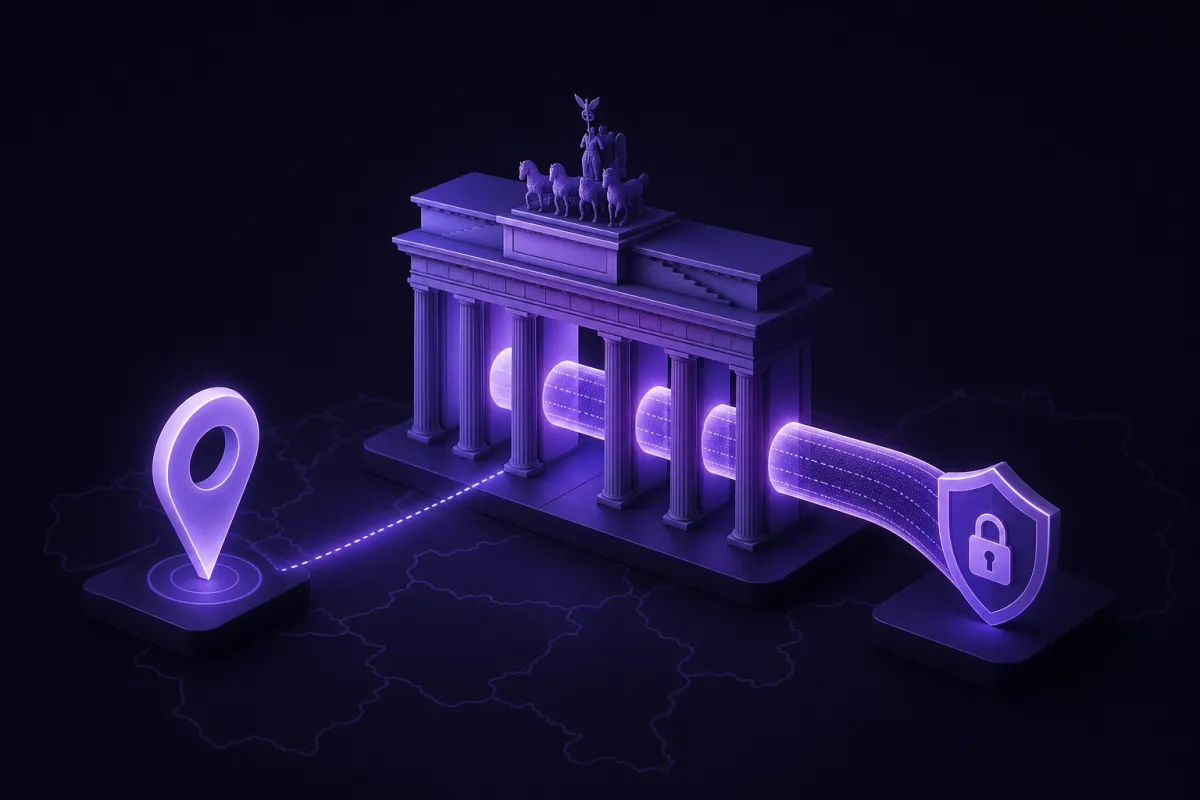
A Germany VPN lets you connect through a server in Germany so websites and apps see a German IP address instead of your current one. With Crispy VPN, you can choose the Frankfurt location, connect, then check your new IP address in a browser.
This is useful if you are from Germany and now live, work or travel abroad, or if you need to test how German websites, prices, search results or ads appear locally. It can also add privacy on hotel, airport and cafe Wi-Fi, but it does not guarantee access to every streaming, banking or government service.
What a Germany VPN actually changes
When you use a VPN, your device creates an encrypted connection to a VPN server. Websites and apps you open see the VPN server's IP address, not the IP address assigned by your hotel, mobile network, office or home internet provider.
For a Germany VPN, the important detail is the server location. If you choose a server in Frankfurt, your traffic exits through Germany and many services will treat your connection as German. That can affect location checks, local search results, language defaults, prices shown by some sites and account security prompts.
A VPN is not the same as changing your passport, billing address or account region. Services can still use other signals, including your account country, payment method, GPS permission, cookies, device settings and previous login history. That is why a VPN can help your connection look local, but it cannot make every service behave exactly as if you were sitting at home in Germany.
If you want a broader explanation of the basic idea, see our guide to what a VPN is.
Who needs a German IP address abroad?
The most common reason is simple: you normally live in Germany, but you are temporarily somewhere else. That could mean a business trip, a semester abroad, a long holiday, remote work or moving overseas while still managing German accounts.
Home banking and official portals
Banks, tax portals and government services often pay attention to unusual sign-in locations. A German IP address may reduce friction when you access accounts you already use, especially if you normally sign in from Germany. It is not a bypass for identity checks, two-factor authentication or local eligibility rules. You should still follow each provider's terms and security process.
Local news, prices and search results
News sites, retailers, travel sites and search engines often tailor content based on location. If you are researching Germany-specific prices, checking local availability or comparing how search results look from Germany, a VPN server in Frankfurt gives you a cleaner view than connecting from another country.
Your own paid subscriptions
If you pay for German services, you may want them to work consistently while you travel. A Germany VPN can help present a German network location, but some streaming and subscription platforms still block VPN addresses or require a local account, billing method or residency. No VPN can promise access to a specific service.
Website and ad testing
Marketers, developers and support teams often need to see what a German visitor sees. A German IP address helps test landing pages, regional redirects, checkout flows, ad placement, language detection and consent banners without asking someone in Germany to check every change manually.
How to get a German IP address with Crispy VPN
The basic setup is quick. You install the app, sign in, choose Germany, then connect. Crispy VPN has a Frankfurt server location and supports apps for iPhone and iPad, Mac, Windows, Linux, Android, Apple TV, Android TV and Google TV, plus browser extensions for Chrome, Edge and Firefox.
- Download the app. Go to the downloads page and choose the app for your device.
- Sign in with your account. Crispy VPN accounts use email and password. One subscription works across supported devices.
- Choose Germany. In the location list, select Frankfurt.
- Connect. Wait for the app to show that the VPN is connected before opening your bank, portal, news site or subscription app.
- Use your service as normal. Keep your usual account details, two-factor authentication and security prompts ready.
- Disconnect when you are done. If you only needed Germany for one task, you can switch back to your nearest VPN location or disconnect.
On TV apps, sign-in works by scanning a QR code with your phone. That is useful when you want to avoid typing a long password with a remote control.
If you only need a German location inside the browser, a browser extension may be enough. If you need other apps on the device to use the German IP address too, use the full VPN app instead.
How to check that your Germany VPN is working
After you connect, do not guess. Check the visible IP address and location before relying on it for a banking session, website test or support task.
Open What is my IP while the VPN is connected. The page should show an IP address associated with Germany. If it still shows the country you are physically in, the VPN is not active for that browser or app, or the service you are checking is using another location signal.
Quick checklist
- The VPN app says it is connected.
- The selected location is Frankfurt or Germany.
- Your IP lookup shows Germany.
- Your browser or app was reopened after connecting, especially if it was already running.
- GPS permission is off for sites or apps that do not need it.
- You are not signed in to an account that forces another country setting.
If a site still shows the wrong region, clear that site's cookies or try a private browser window. Location is not based on IP address alone, so old cookies, account settings or app permissions can override what the VPN changes.
VPN Germany limits: streaming, banking and terms
A VPN changes the network path, not the rules of the service you are using. That distinction matters most with streaming platforms, banks, payment apps and official portals.
Some services block known VPN IP addresses. Others allow the connection but still require a German account, local payment method, verified address or extra login confirmation. A bank may challenge a login from a new device even if the IP address is German. A streaming platform may apply catalogue rules based on your account country, not only your connection.
Crispy VPN does not promise access to any specific streaming site, bank, government portal or paid subscription. The practical goal is to give you a German network location and an encrypted connection. You remain responsible for following the terms of each service you use.
For streaming specifically, it is worth understanding both the benefits and the uncertainty. Our guide to using a VPN for streaming explains why results can vary by platform and account.
There is also a legal side to consider. VPN use is legal in many places, but laws and platform rules vary by country and activity. For a general overview, read is a VPN legal? before relying on a VPN while travelling.
Speed tips for using a Germany VPN abroad
Any VPN can affect speed because traffic takes an extra encrypted route through a VPN server. The distance to that server, your hotel or mobile network quality, Wi-Fi congestion and the website you are visiting all matter.
If you specifically need a German IP address, choose Germany and accept that the route may be longer if you are far away. For example, connecting to Frankfurt from another European country will usually be more direct than connecting from East Asia or Australia. If you do not need a German IP address for a task, choose the nearest available VPN location instead. That usually gives lower latency and faster browsing.
Practical speed checklist
- Use the Germany location only when you need German results, accounts or testing.
- Switch to the nearest server for general browsing if location does not matter.
- Try a different Wi-Fi network if hotel or airport Wi-Fi is overloaded.
- Close large downloads and cloud backups before testing speed.
- Restart the app or reconnect if a network has changed from Wi-Fi to mobile data.
Crispy VPN uses WireGuard on every server. WireGuard is a modern VPN protocol with a small code base and is designed to be fast and battery friendly. For a deeper look at speed tradeoffs, see our article on whether a VPN slows down your internet.
Privacy on hotel and airport Wi-Fi with a German VPN
Public Wi-Fi is convenient, but it is not a network you control. In hotels, airports, conference centers and cafes, a VPN helps protect your traffic from local network snooping by encrypting the connection between your device and the VPN server.
This is useful even when you do not need a German IP address. If you are abroad and also want German location handling, connecting to Frankfurt gives you both encrypted public Wi-Fi traffic and a German exit location.
Crispy VPN keeps no activity logs, and its two-party relay design separates who you are from what you do. That said, a VPN does not make you anonymous. Websites can still recognize you when you log in, trackers can still use cookies and browser fingerprints, and a VPN does not stop malware or phishing by itself.
For higher-risk networks, use common sense alongside the VPN: keep your operating system updated, avoid entering passwords on suspicious pages, use two-factor authentication and turn on the VPN before opening sensitive apps. For more travel advice, read our guide to VPNs for public Wi-Fi.
Choosing the right setup for your devices
The best setup depends on what you are trying to do. If you want all traffic from your laptop or phone to use a German IP address, install the full VPN app. If you only need German location in a browser for research, testing or a web portal, a browser extension can be lighter.
On iPhone and iPad, Android and browser extensions, split tunneling can be useful when only some traffic should use the VPN. Android supports split tunneling by app. iPhone and iPad support it by website, up to 20 websites. Browser extensions also support website-based split tunneling. Split tunneling is not available on Mac, Windows, Linux or TV apps.
For connection safety, the kill switch is opt-in and off by default. It is available on iPhone and iPad, Mac, Windows, Linux and the browser extensions. Windows also has an optional Lockdown mode. On Android, use the system settings called Always-on VPN and Block connections without VPN. Apple TV and Android TV apps do not have a kill switch.
A paid VPN also matters if you use it often for banking, work, travel and multiple devices. Crispy VPN has no free plan, offers a 30-day money-back guarantee on every plan and one subscription covers up to 10 devices. If cost is part of your decision, you can compare plans on the pricing page.