crispy
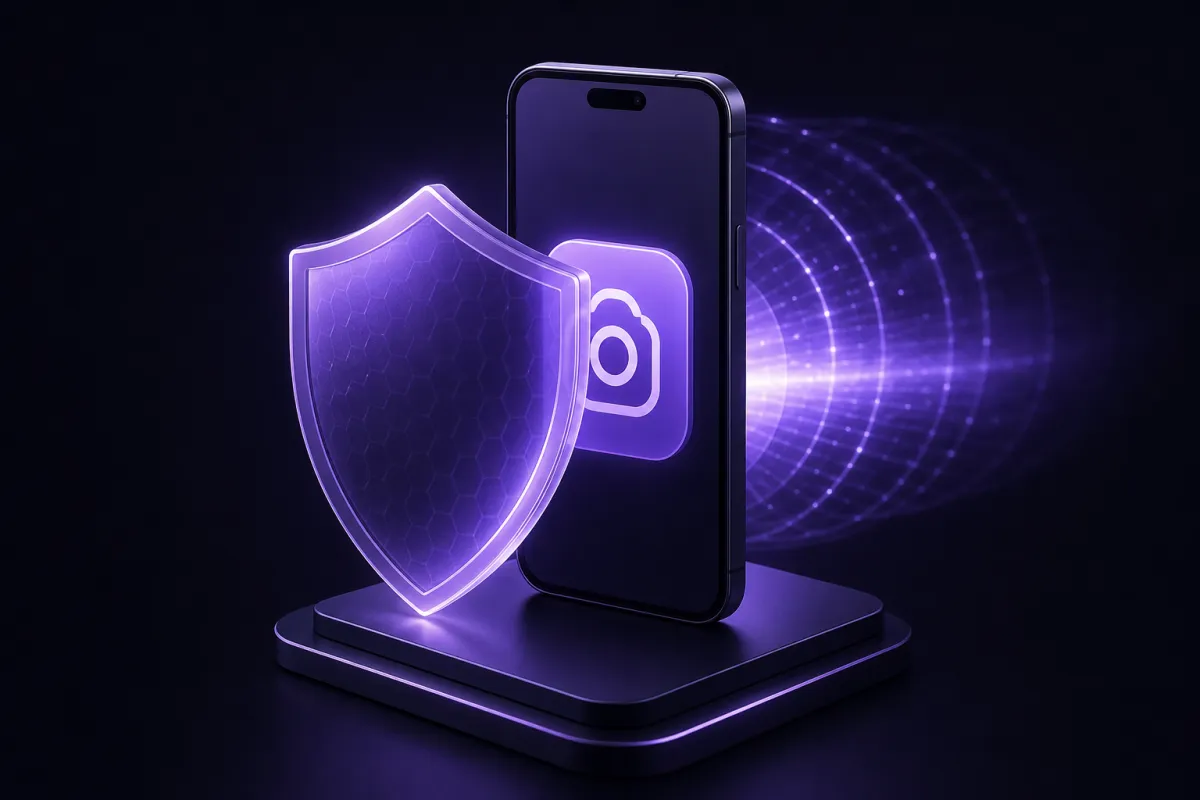
A VPN for Instagram can help the app load on networks that block or throttle it, and it can protect your connection on public Wi-Fi. It works by sending your traffic through an encrypted VPN tunnel to a server location where, if permitted and reachable, Instagram can respond normally.
That does not mean a VPN is magic. It cannot make you anonymous to Instagram, it cannot help during a full internet shutdown, and in some countries or networks VPN traffic may be restricted or blocked. Use one only where it is legal and consistent with Instagram’s terms.
Why people look for a VPN for Instagram
Most people search for a VPN for Instagram for one of three reasons: Instagram will not open on the network they are using, the app feels unusually slow, or they want more privacy on public Wi-Fi.
Blocks can happen at different levels. A school, workplace, hotel, airport, or mobile carrier may restrict social media. A country may order temporary or longer term restrictions. Recent examples include Instagram access problems in Turkey in August 2024, ongoing restrictions in Russia since 2022, and heavy filtering in Iran. Rules and technical conditions change often, so current local information matters more than old advice.
Throttling is different from a block. The app may open, but Reels, Stories, uploads, or direct messages may crawl because the network treats Instagram traffic differently. A VPN can sometimes make traffic harder for the local network to categorize, which may improve consistency. It can also make things slower if the VPN route is congested or far away, so testing matters.
On public Wi-Fi, the concern is usually privacy rather than access. A VPN encrypts traffic between your device and the VPN service, which helps prevent the Wi-Fi operator or other people on the same network from seeing the sites and apps you are connecting to. For more detail on that use case, see our guide to using a VPN for public Wi-Fi.
How a VPN helps Instagram load
When you open Instagram without a VPN, your device connects through your internet provider or local network. That network can see that you are reaching Instagram related services, even though the content itself is protected by HTTPS. If the network blocks or throttles those connections, the app may fail to refresh, videos may not load, or login may hang.
With a VPN enabled, your device first creates an encrypted tunnel to a VPN server. The local network sees a connection to the VPN server instead of a direct connection to Instagram. Instagram then sees the VPN server’s IP address rather than your home, mobile, hotel, or airport IP address.
This can help in several practical situations:
- Network restrictions: If a local Wi-Fi network blocks Instagram, the VPN tunnel may allow the app to connect through the VPN server instead.
- ISP or carrier throttling: If Instagram traffic is being slowed based on destination or category, a VPN may reduce that kind of traffic shaping.
- Travel privacy: If you are using unfamiliar Wi-Fi, a VPN reduces what the network operator can learn about your browsing and app connections.
- IP based issues: If your current IP address has a temporary routing or reputation problem, using a different VPN location may help.
Crispy VPN uses WireGuard on every server. WireGuard is a modern VPN protocol with a small code base, and it is designed to be fast and battery friendly. If you want the deeper technical version, read our plain English guide to what WireGuard is.
There are also limits. Crispy VPN apps use standard WireGuard, which networks with deep packet inspection can detect and block. The browser extensions run over TLS on port 443 and look like ordinary HTTPS, which is sometimes more resilient on restrictive networks, but still not guaranteed. Browser extensions protect browser traffic, so they are useful for Instagram in a browser, not for the Instagram mobile app.
VPN Instagram access and the law: what to check first
Before you rely on a VPN Instagram setup, check the current rules where you are. VPN laws, platform restrictions, and enforcement practices vary by country and can change quickly. This article is general information, not legal advice.
Instagram restrictions also vary. Turkey’s August 2024 Instagram block was reported as a temporary access issue. Russia has restricted Instagram since 2022. Iran has broad internet filtering, and access to many global platforms can be unstable or blocked. In any country, a VPN cannot guarantee access if local networks block VPN protocols, app stores, VPN websites, or the underlying internet routes.
A VPN also cannot help during a full internet shutdown. If your device cannot reach the wider internet at all, there is no path to a VPN server and no path to Instagram. In that situation, the problem is not Instagram specific.
Server location matters, but it is not the same as legal permission. Crispy VPN has 12 server locations, including Istanbul, several European locations, and locations in the United States and Asia Pacific. It does not have servers in Russia or Iran. If a platform is restricted inside a country, a server inside that same country may face the same local restriction, so testing more than one permitted location is sensible.
If you are unsure whether VPN use is allowed where you are, read local rules from current sources before connecting. Our general overview, is a VPN legal, explains the difference between VPN legality, workplace or school rules, and platform terms.
Set up an Instagram VPN on your phone
The easiest place to use an Instagram VPN is your phone, because that is where most people use the app. Set it up before you need it, especially before travelling to a country where app stores, VPN websites, or payment pages may be hard to reach.
Crispy VPN has apps for iPhone and iPad, and for Android. One account works across supported devices, and downloads are available from /download.
Phone setup checklist
- Install the VPN before travel. Do this while your normal app store and email access work reliably.
- Sign in to the VPN app. Crispy VPN accounts use email and password, so make sure you can access that email account.
- Choose a server location. Start with a nearby country or region where Instagram is available and lawful for you to access.
- Connect the VPN. Wait until the app says it is connected before opening Instagram.
- Open Instagram and refresh the feed. Test Stories, Reels, messages, uploads, and login, because different parts of the app may fail differently.
- Try another location if needed. If the first location is slow or blocked, disconnect and test a different server.
- Enable extra safety settings. On iPhone and iPad, Crispy VPN includes an opt-in kill switch. On Android, use the system Always-on VPN and Block connections without VPN settings if you want similar protection.
If you only need Instagram and not every app to use the VPN, Android split tunneling can route traffic per app. On iPhone and iPad, split tunneling is by website, up to 20 sites, so it is more useful for browser use than for controlling the Instagram app itself.
After setup, check that your connection is actually using the VPN. Our guide on how to tell if your VPN is working explains simple checks such as IP address changes and leak warning signs.
Instagram not working VPN: fixes to try
If Instagram not working VPN is the problem you are trying to solve, start by narrowing down whether the issue is the VPN, Instagram, your account, or the local network. Do not keep retrying logins too quickly, because repeated failed attempts can trigger extra account checks.
Try these fixes in order
- Switch VPN location. A specific server route may be congested, blocked, or temporarily unreliable. Try another nearby location first.
- Restart Instagram. Force close the app, reopen it, and refresh your feed after the VPN is connected.
- Move between Wi-Fi and mobile data. If one network blocks the VPN or Instagram, the other may behave differently.
- Update the Instagram app. Old app versions can fail in ways that look like network problems.
- Check time and date settings. Incorrect device time can break secure connections and login sessions.
- Clear cache on Android. If the app is stuck on old connection data, clearing cache may help. On iPhone, reinstalling the app is often the closest equivalent.
- Test Instagram in a browser. If the app fails but the website works, the issue may be app specific. A browser extension can help with browser traffic, but it will not fix the mobile app.
- Disconnect and test without the VPN. If Instagram works without it, the VPN route may be the problem. If it fails both ways, the problem may be Instagram, your account, or the local network.
Speed can also be a factor. A VPN adds encryption and may route traffic through another city or country, so some slowdown is normal. If Reels buffer or uploads fail, choose a closer location, avoid overloaded public Wi-Fi, and test again at a different time.
If a restrictive network uses deep packet inspection to identify standard VPN traffic, changing locations may not be enough. In that case, there may be no reliable fix on that network. Test before depending on the connection for travel, work, or urgent communication.
Account safety, verification, and what a VPN does not hide
Instagram may ask for extra verification when you log in from a new VPN location. That is normal account protection. A sudden login from a different city or country can look unusual, especially if it happens right after password changes, new devices, or multiple failed login attempts.
To reduce lockouts, keep your account recovery details current before you travel. Make sure your email address and phone number are accessible, save backup codes if Instagram offers them, and do not depend on a SIM card that may stop working abroad.
Use two-factor authentication
Two-factor authentication is one of the best account safety steps you can take. An authenticator app or other approved second factor means a stolen password alone is not enough to access your account. It is especially important if you post publicly, run a business account, or use Instagram messages for sensitive conversations.
A VPN does not make you anonymous on Instagram. Meta still knows the account you log into, the device and app signals it receives, your activity on the platform, and information you provide directly. If you message, post, like, follow, or buy through the account, that activity remains tied to the account.
A VPN also does not stop phishing, malware, scams, or tracking by services you are logged into. It protects the network path, not your judgment and not every part of your identity. Be cautious with links in direct messages, fake login pages, and browser prompts that ask for your Instagram password.
Crispy VPN keeps no activity logs, and its two-party relay design separates who you are from what you do. That is useful for VPN privacy, but it should not be confused with being anonymous to Instagram itself. For more on our approach, see Crispy VPN transparency.
Test before you travel, and know the cost
If Instagram access matters to you while travelling, install and test your VPN before departure. This is especially important for destinations where VPN websites, app stores, payment processors, or email verification messages may be blocked or unreliable once you arrive.
Test the exact device you plan to use. Open Instagram, send a message, view Stories, upload a small post, and try both Wi-Fi and mobile data if possible. If you expect to use Instagram in a browser, test the browser extension too. If you expect to use the mobile app, test the full VPN app, not only the extension.
Crispy VPN is a paid service with no free plan. It costs $5.99 per month, or $35.88 per year, which works out to $2.99 per month. Every plan includes a 30-day money-back guarantee, so you can test your Instagram setup, server routes, and device compatibility before relying on it. Plan details are on /pricing.
One subscription covers up to 10 devices, which is useful if you want to test Instagram on your phone, tablet, laptop, and browser. Payment is available by card or PayPal.
The honest expectation is simple: a VPN can improve access and privacy in many everyday situations, but it cannot guarantee Instagram will work on every restrictive network or in every country. The safest approach is to prepare early, test more than one route, keep your Instagram account secured, and follow current local law and platform terms.